

When it comes to creating captivating content for YouTube, having the right recording tools is crucial. The tools you choose can significantly influence the quality of your videos and, subsequently, your audience's engagement. Popular YouTubers have invested time and resources to find the best tools that fit their style and needs. Whether you’re just starting or looking to upgrade your existing setup, understanding the various recording tools available can make a world of difference in your content creation journey.
Importance of Choosing the Right Tools
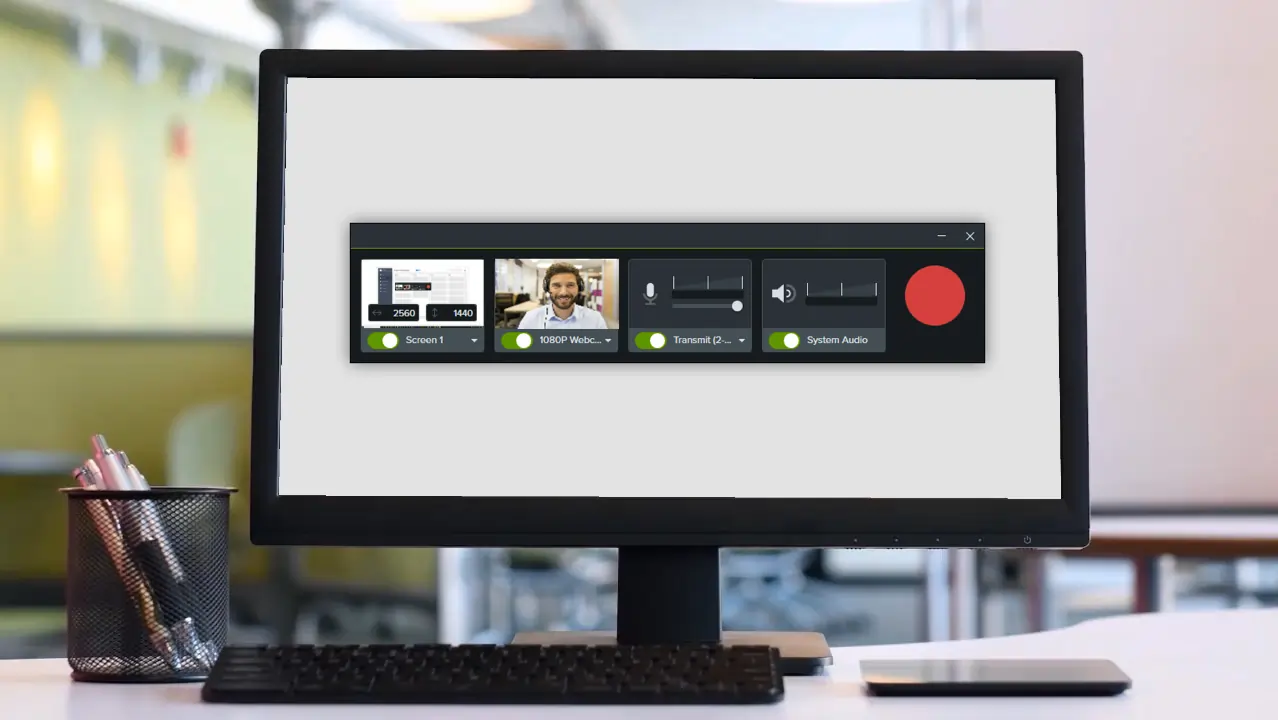
Choosing the right tools for recording on YouTube is more than just a matter of personal preference; it's essential for achieving high-quality content that resonates with viewers. Here’s why investing in the appropriate recording tools is so important:
- Quality Matters: The quality of your audio and video will directly impact viewer retention. High-definition video and clear audio can make your channel more appealing.
- Brand Consistency: A consistent style in your recordings helps in developing your unique brand identity. Using the right tools can help standardize your aesthetic.
- Efficiency and Ease of Use: The right tools can streamline the recording process. User-friendly software and hardware can save you time and reduce the learning curve.
- Flexibility and Versatility: Depending on your content type, you may need tools that offer various functionalities—be it screen recording for gaming or high-quality cameras for vlogs.
In summary, selecting the right recording tools isn’t just a technical decision; it’s a strategic choice that affects your entire YouTube channel's success. From gear that enhances your production quality to software that simplifies editing, investing wisely pays off!
Also Read This: How to Check Your URL Link on Behance
Essential Recording Equipment for YouTubers
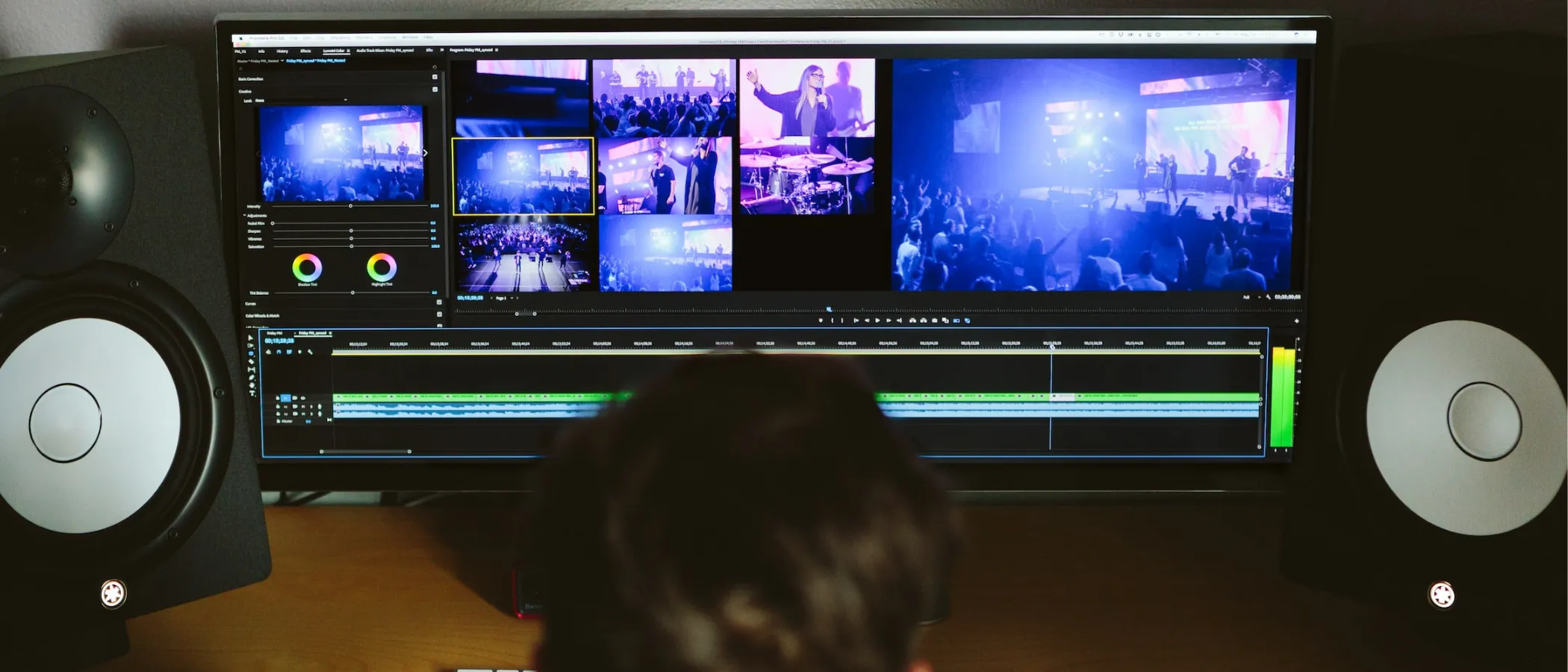
When it comes to creating engaging video content on YouTube, having the right recording equipment is vital. The quality of your videos can significantly impact viewer retention and overall channel growth. Let's break down the essential equipment that every aspiring YouTuber should consider.
- Camera: A good camera is at the heart of your video production. Options vary from DSLRs to mirrorless cameras, and even high-end webcams. Popular choices include the Canon EOS M50 and Sony A6400, known for their excellent video quality and user-friendly features.
- Microphone: Sound quality is just as important as video quality—if not more so. A good microphone can drastically improve your audio. Consider options like the Rode VideoMic Pro or a USB microphone like the Blue Yeti for clear sound.
- Tripod or Stabilizer: Shaky footage can be distracting. Using a tripod helps keep your camera steady, while a gimbal or stabilizer allows for smooth movement shots. Look at realistic and portable options such as the Joby GorillaPod or DJI Ronin-S.
- Lighting: Good lighting can make or break your video. Natural light works wonders, but investing in softbox lights or ring lights can enhance indoor shooting. The Neewer Ring Light Kit is a popular choice among YouTubers.
- Green Screen (optional): If you want to get creative with backgrounds, a green screen can be a fun addition. It allows for seamless background changes during editing and enhances overall production value.
Each piece of equipment plays a crucial role in your videos' aesthetics and the viewing experience. Don't feel pressured to buy everything at once; start with the basics and upgrade as your channel grows!
Also Read This: What Happened to the Tasty YouTube Channel
Top Software Options for Video Editing
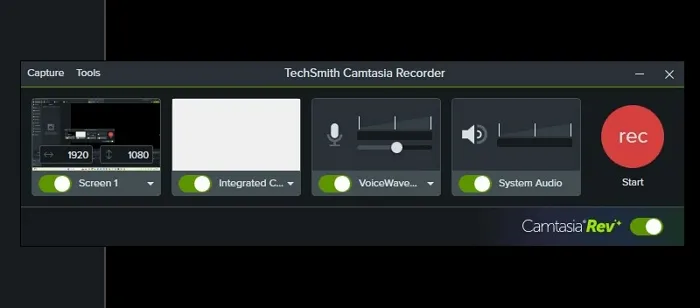
Now that you have your recording equipment set up, the next step is editing. The software you choose can either streamline your workflow or create additional headaches, so picking the right one is key. Here are some top software options that many successful YouTubers swear by:
| Software | Platform | Price | Key Features |
|---|---|---|---|
| Adobe Premiere Pro | Windows, Mac | $20.99/month | Professional editing tools, multi-format support, great for collaborative editing. |
| Final Cut Pro | Mac | $299.99 (one-time) | Fast performance, magnetic timeline, and advanced color grading. |
| DaVinci Resolve | Windows, Mac, Linux | Free (with paid upgrade) | Exceptional color correction, visual effects, and audio post-production tools. |
| iMovie | Mac, iOS | Free | User-friendly interface, great for beginners, good multi-device integration. |
| Camtasia | Windows, Mac | $249.00 (one-time) | Screen recording capabilities, built-in annotations, and easy to use. |
Whether you're just starting out or are already a seasoned creator, the software you choose should align with your editing style and the complexity of your projects. Most of these options offer free trials, so take some time to explore which one feels right for you! Happy editing!
Also Read This: Composer Earnings on Shutterstock
Audio Recording Tools and Techniques
Creating high-quality audio is essential for any YouTuber looking to engage their audience effectively. The sound quality of your videos can make or break the viewer's experience. Fortunately, there are numerous tools and techniques available to help elevate your audio game. Let's dive into some of the popular choices.
Microphones
The microphone you use is perhaps the most critical factor in audio recording. Here are some popular options:
- Dynamic Microphones: Ideal for recording vocals, these are robust and great at rejecting background noise. The Shure SM7B is a favorite among professionals.
- Condenser Microphones: These are sensitive and capture a broader range of frequencies. The Audio-Technica AT2020 is widely used for voiceovers.
- Lavalier Microphones: Perfect for vlogs or interviews, lav mics like the Rode Wireless GO offer hands-free options with excellent sound quality.
Audio Interfaces
If you’re using an XLR microphone, you’ll also need an audio interface to connect it to your computer. Look for options such as:
- Focusrite Scarlett 2i2: A popular choice that provides excellent preamps and conversion.
- Behringer UMC22: A cost-effective option that still performs well for beginners.
Audio Techniques
Beyond the tools, employing the right techniques is crucial. Consider the following:
- Microphone Placement: Experiment with distances and angles to find the optimal sound.
- Soundproofing: Minimize background noise by using acoustic panels or recording in quieter spaces.
- Post-Processing: Use software like Audacity or Adobe Audition to clean up audio and apply effects.
In summary, investing in the right audio recording tools and mastering techniques can significantly enhance your YouTube content. Don't underestimate the power of sound!
Also Read This: How to Clip Dailymotion Videos with Simple Methods to Cut and Share Content
Screen Recording Tools for Gameplay and Tutorials
If you're planning to create gameplay videos or tutorials, having the right screen recording software is essential. The quality and functionality of your recording tools can influence the engagement level of your audience. Here’s a breakdown of the top screen recording tools that popular YouTubers use.
Popular Screen Recording Software
There are several robust solutions available, each with unique features. Here’s a list of the most popular ones:
- OBS Studio: A free and open-source software that offers extensive customization, suitable for both recording and live streaming.
- Camtasia: While it comes at a price, Camtasia is user-friendly and perfect for creating tutorials with built-in editing tools.
- Bandicam: This software is favored for its ability to record high-quality gameplay while maintaining a minimal performance impact on your system.
- NVIDIA ShadowPlay: For gamers with compatible graphics cards, this tool allows you to record gameplay with little to no hit on system performance.
Features to Look For
When selecting screen recording software, consider these key features:
| Feature | Importance |
|---|---|
| Video Quality | High-definition recording ensures your videos look crisp and professional. |
| Editing Capabilities | Built-in editing tools can save you time and enhance production quality. |
| Audio Integration | Make sure the software can capture system audio and your voice simultaneously. |
| Live Streaming Options | This feature can help you engage with your audience in real-time. |
Recording Techniques
To make the most of your screen recordings, keep these techniques in mind:
- Plan Your Content: Script your videos or outline the key points to maintain clarity.
- Test Your Settings: Always do a test recording to ensure everything works as expected.
- Engage with Viewers: Speak as if you're having a conversation, and don’t forget to provide context for your actions.
Whether you're a seasoned gamer or a newcomer to tutorial creation, equipping yourself with the right screen recording tools and techniques will help you create captivating content for your YouTube channel.
Also Read This: Understanding Stealth Mode on LinkedIn
7. Lighting and Camera Setup for High-Quality Videos
When it comes to creating high-quality videos, lighting and camera setup play crucial roles. You'd be surprised how much the right lighting can enhance your visuals and make your content appear more professional. Whether you're a newbie or an experienced YouTuber, mastering these elements can take your videos to the next level.
Lighting: Good lighting can transform an average video into a stunning one. Here are some key lighting types that popular YouTubers often use:
- Softbox Lights: These provide even, diffused light that reduces harsh shadows, making them perfect for indoor recordings.
- Ring Lights: Often favored by beauty and lifestyle vloggers, ring lights create an attractive halo effect around the subject, enhancing facial features.
- Key Lights: A strong, focused light used to highlight the main subject, while additional lights can be used for fill and background lighting.
Camera Setup: Selecting the right camera is essential for achieving a cinematic look. Consider these popular camera choices:
- DSLR Cameras: These offer interchangeable lenses and excellent image quality. Popular models include the Canon EOS Rebel series and Nikon D series.
- Mirrorless Cameras: Lighter than DSLRs and also provide high-quality video. Sony A7 series and Canon EOS R series are great options.
- Smartphones: Many YouTubers use smartphones with exceptional cameras for convenience, especially with accessories like gimbals for stabilization.
Don’t forget about the composition! Position your camera at eye level and pay attention to the background. A clean, uncluttered space can make a significant difference. With the right lighting and camera setup, your videos will shine brighter than ever!
8. Mobile Recording Solutions for YouTubers on the Go
Let’s face it, not every YouTuber has the luxury of a dedicated studio. Many creators are constantly on the move, documenting their adventures, traveling, or capturing spontaneous moments. Fortunately, the rise of mobile recording solutions has made it easier than ever to produce high-quality content anywhere.
Mobile Recording Devices: Smartphones are the go-to choice for many YouTubers on the go. Thanks to their powerful cameras and advanced features, you can create stunning videos with just your phone! Here are some popular options:
- iPhone 13 Pro: With cinematic mode and impressive stabilization, it's a favorite among mobile filmmakers.
- Samsung Galaxy S21 Ultra: Known for its high-resolution camera and versatility, it’s perfect for vlogging.
- Google Pixel 6: The computational photography features ensure great video quality, even in low light.
Accessories: To enhance your mobile video recording, consider investing in some accessories:
- Gimbals: Stabilizers help create smooth motion and prevent shaky footage. Brands like DJI Osmo Mobile are popular.
- Microphones: External microphones, such as the Rode VideoMic Me, can significantly improve audio quality.
- Portable Lights: Compact LED lights can brighten up your scenes, ensuring you look great, even in low light.
With the right tools in your hands, mobile recording can still capture high-quality, engaging content. So grab your gear and get ready to vlog your adventures!