

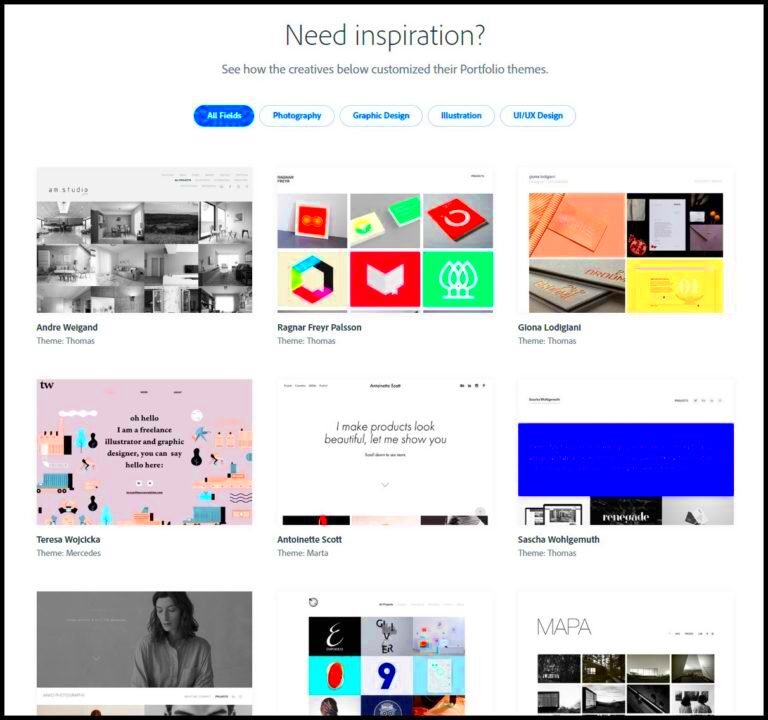
Creating a Behance portfolio starts with knowing who will view it and what you want to achieve. Understanding your audience helps you tailor your work to their interests. Are you trying to attract clients, collaborators, or potential employers? Each group has different expectations.
Think about these questions:
- Who are you targeting? Define your ideal audience. This could be art directors, marketing professionals, or other creatives.
- What message do you want to send? Decide what you want viewers to feel or think about your work.
- What are your goals? Are you showcasing your work for freelance opportunities, job applications, or community engagement?
When you have clarity on these points, you can design your portfolio to meet the needs of your audience, ensuring your work resonates with them.
Choose a Clean and Professional Layout
Your layout plays a significant role in how your work is perceived. A clean and professional design makes it easy for viewers to navigate and appreciate your work. Here are some tips to keep in mind:
- Use a simple color scheme: Stick to a few colors that reflect your style. This helps keep the focus on your work.
- Organize your projects: Group similar projects together or categorize them by type (e.g., branding, illustration).
- Keep text minimal: Use concise descriptions to complement your visuals without overwhelming the viewer.
Remember, the goal is to make it easy for visitors to focus on your artwork. A clutter-free layout ensures that your work stands out.
Also Read This: Enhancing Attack Surface Security with Fortiguard Downloader
Highlight Your Best Work
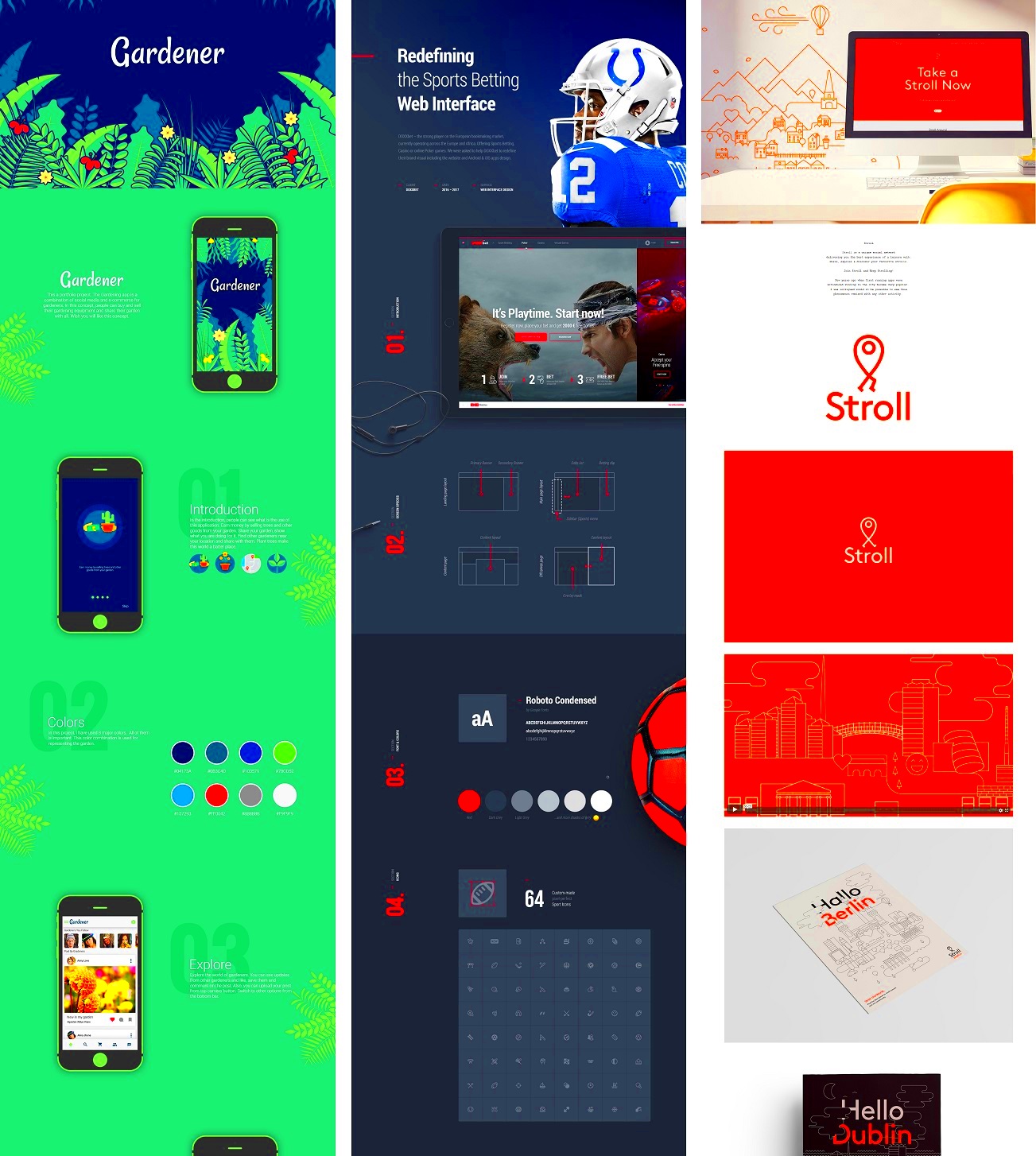
When it comes to your Behance portfolio, quality matters more than quantity. Highlighting your best work is essential for making a strong impression. Here are some strategies to showcase your top projects:
- Select projects that represent your skills: Choose works that showcase your abilities and the type of work you want to pursue in the future.
- Feature a variety: Include different types of projects to show your versatility. For instance, if you’re a graphic designer, feature branding, web design, and illustrations.
- Use striking visuals: Choose images that capture attention. High-quality images can draw viewers in and make them want to learn more about your work.
Consider creating a featured projects section on your portfolio. This way, viewers can easily see your standout work right away. The goal is to leave a lasting impression, so choose wisely!
Also Read This: How to Get the Latest News Updates on Telegram
Use High-Quality Images
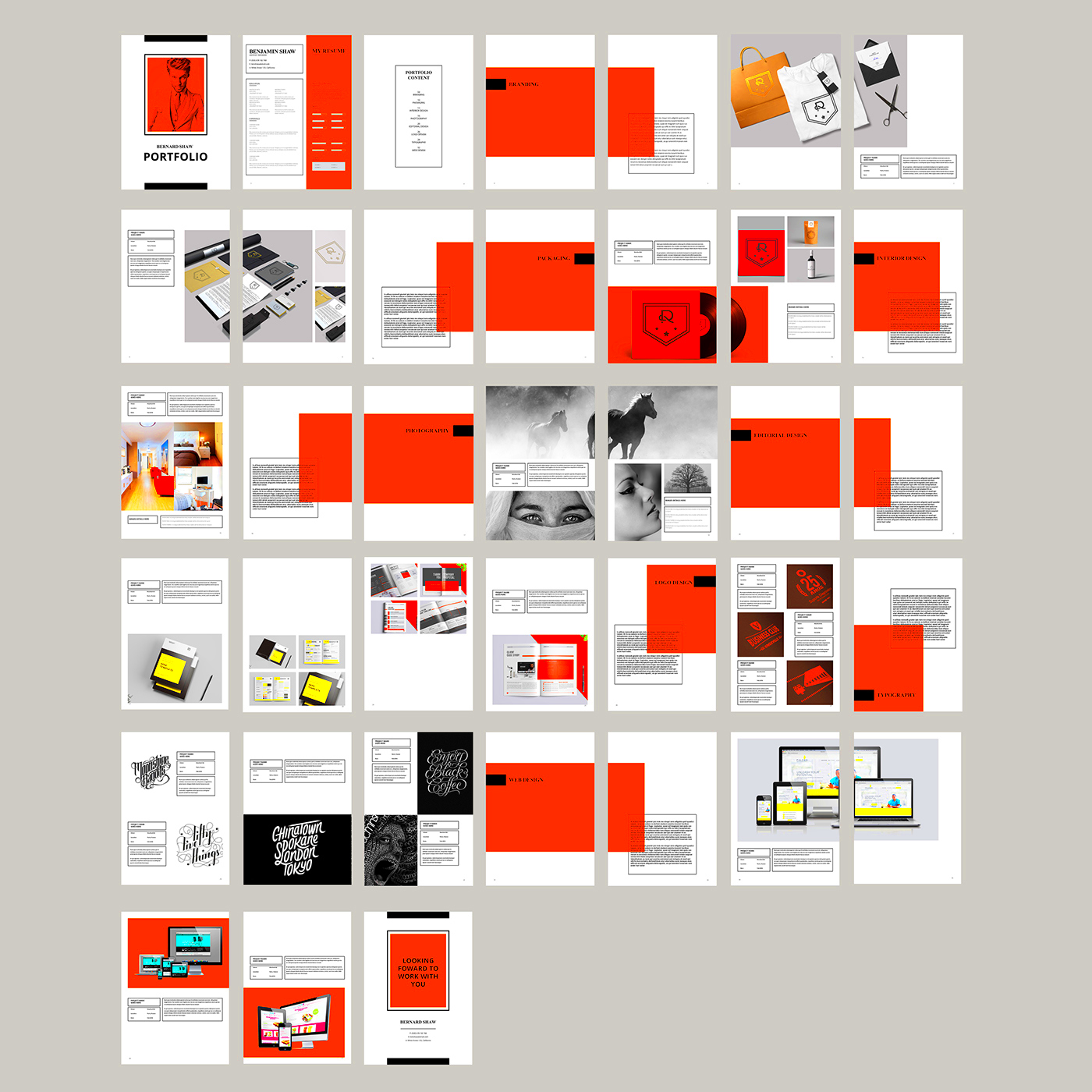
When it comes to showcasing your work on Behance, high-quality images are non-negotiable. The visual impact of your portfolio can make or break the first impression on potential clients or employers. Think of your images as the first handshake—they should be firm and confident!
Here are some tips for using high-quality images effectively:
- Invest in good photography: If your work involves physical pieces, invest time in taking professional photos. Good lighting and the right angles can make a huge difference.
- Use high resolution: Make sure your images are high-resolution. Low-quality images can make even the best work look amateurish.
- Consider image consistency: Use a similar style or color palette across your images to create a cohesive look. This helps your portfolio feel more professional and thought-out.
- Optimize for web: While high-quality images are essential, ensure they are optimized for fast loading without sacrificing quality. Nobody likes waiting for images to load!
By prioritizing high-quality images, you make your portfolio not just a collection of work but a visual experience that captivates and engages your audience.
Also Read This: Maximizing Your Reach: Sharing a Press Release on LinkedIn
Write Engaging Descriptions for Each Project
Once your visuals have captured attention, it’s time to keep viewers interested with engaging project descriptions. Well-written descriptions can provide context, showcase your thought process, and explain the impact of your work. Here’s how to craft effective descriptions:
- Be concise but informative: Aim for clarity. A few sentences that explain the project’s purpose, your role, and the outcome can go a long way.
- Tell a story: Instead of just listing facts, narrate the journey of the project. How did it start? What challenges did you face? What did you learn?
- Use keywords: Incorporate relevant keywords that describe your work. This can help improve your portfolio's visibility on search engines and within Behance itself.
- Highlight your skills: Mention specific skills or techniques you used in the project. This not only showcases your expertise but also makes your work more relatable.
With engaging descriptions, you can draw your audience in and encourage them to explore your work further, making your portfolio more impactful.
Also Read This: Using YouTube TV at Your Vacation Home – Everything You Should Know
Show Your Creative Process
One of the best ways to connect with your audience is to showcase your creative process. People love to see how a project evolves from concept to completion. By sharing this journey, you give viewers insight into your skills and thought processes. Here’s how to effectively showcase your creative process:
- Include sketches or drafts: Show initial sketches, drafts, or mood boards. This gives viewers a peek into your brainstorming phase and how your ideas developed.
- Document key stages: Share images or notes from different stages of your project. Highlighting changes and improvements shows your dedication and attention to detail.
- Explain your choices: Use descriptions to explain why you made specific decisions during the process. This adds depth to your work and can engage viewers who are interested in your reasoning.
- Share challenges and solutions: Talk about any obstacles you encountered and how you overcame them. This not only shows your problem-solving skills but also makes your work more relatable.
By revealing your creative process, you allow viewers to connect with your work on a deeper level. This transparency can set you apart and help potential clients and employers see the value you bring to the table.
Also Read This: PNGWing Copyright: Ensuring Freedom for Your Projects
Include Contact Information and Links
One of the most important aspects of your Behance portfolio is making it easy for potential clients or collaborators to reach you. Including clear contact information and relevant links can help facilitate opportunities that may come your way. Think of this as your "open for business" sign.
Here’s how to effectively include your contact details:
- Contact information: Always provide a professional email address. This should be easy to find, either in your bio or at the end of your portfolio.
- Links to social media: Include links to your professional social media profiles, such as LinkedIn, Instagram, or Twitter. This gives viewers more ways to connect with you.
- Website or blog: If you have a personal website or blog, make sure to link to it. This can serve as a hub for your work and additional information about you.
- Networking links: If you’re part of professional organizations or platforms like Dribbble or GitHub, include those links as well. They can provide further context to your skills and experience.
By providing comprehensive contact information, you make it easy for interested parties to reach out, increasing your chances of collaboration and job offers. Remember, a simple “let’s connect” can lead to amazing opportunities!
Also Read This: Enhance Your Video Experience with YouTube Shorts Filters
FAQ About Behance Portfolio Tips
When creating a Behance portfolio, you might have questions about best practices and tips for success. Here are some frequently asked questions to help guide you:
- What should I include in my portfolio? Focus on your best work, highlighting a range of skills. Include high-quality images, project descriptions, and your creative process.
- How many projects should I showcase? Quality over quantity is key. Aim for 5-10 of your best projects rather than a large number of mediocre ones.
- Can I update my portfolio? Absolutely! Regular updates keep your portfolio fresh and reflect your current skills and style.
- Should I include personal projects? Yes! Personal projects can showcase your passion and creativity, demonstrating what you can do beyond client work.
- How do I promote my portfolio? Share it on social media, use relevant hashtags, and engage with the Behance community to increase visibility.
Addressing these questions can help you build a strong portfolio that stands out, making it easier for potential clients to see your value.
Conclusion on Creating an Effective Behance Portfolio
Creating an effective Behance portfolio involves more than just displaying your work; it’s about crafting an experience that resonates with your audience. From understanding your target audience to showcasing your creative process, every detail counts. Remember to:
- Use high-quality images: Your visuals should impress and engage viewers.
- Write engaging descriptions: Tell the story behind each project to connect with your audience.
- Include contact information: Make it easy for people to reach you.
By putting thought into these aspects, you not only highlight your skills but also increase your chances of landing opportunities. A well-crafted portfolio can open doors, so take your time to refine it and showcase the best version of your creative self. Happy creating!