
Exporting a list from LinkedIn Sales Navigator can be a game-changer for your targeted marketing efforts. Whether you’re a salesperson, marketer, or business owner, having access to refined lists of potential clients can help you hone in on your ideal audience. This guide will walk you through the essentials of LinkedIn Sales Navigator, setting the stage for effective list exporting and targeted outreach.
Understanding LinkedIn Sales Navigator
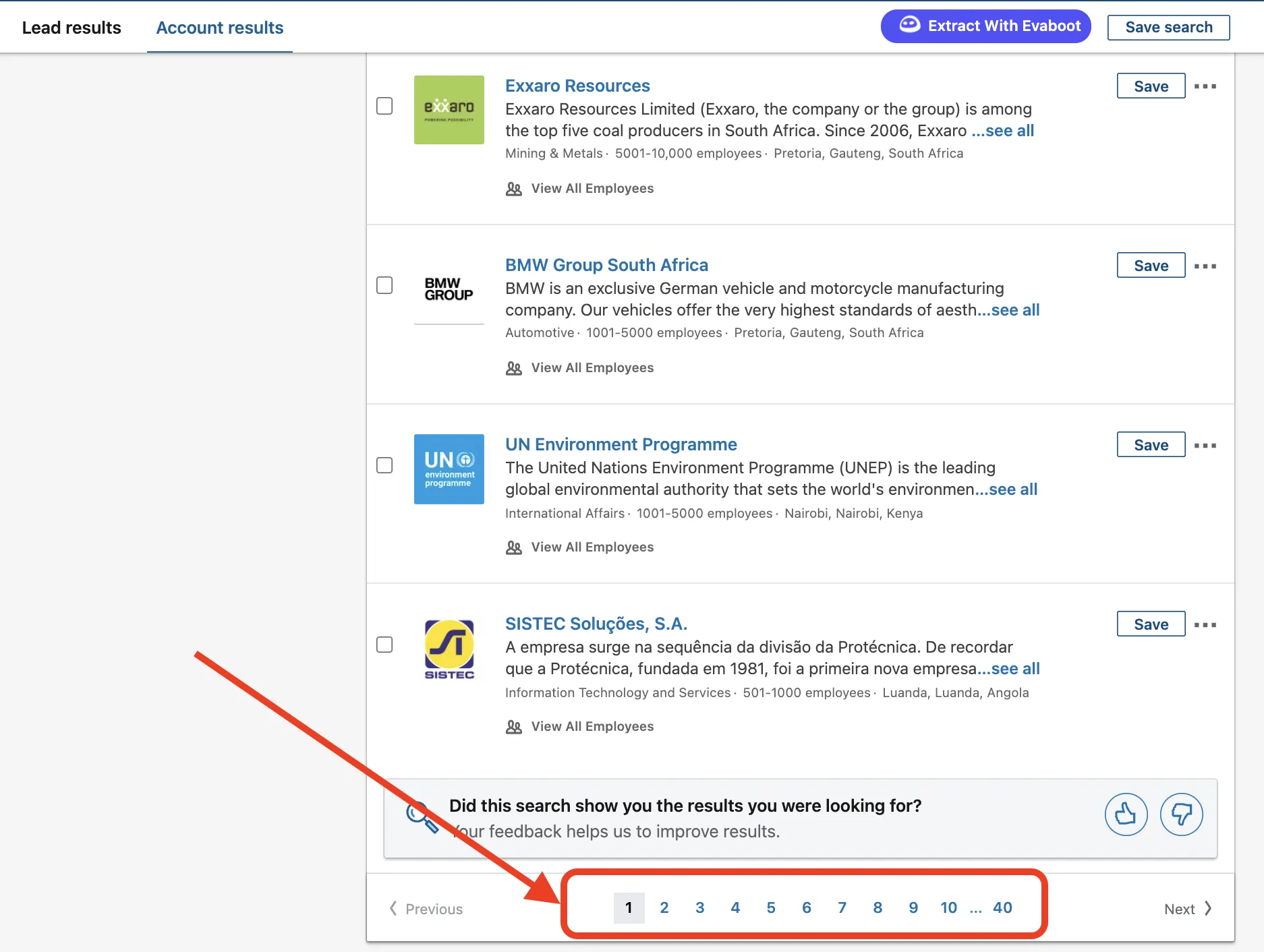
LinkedIn Sales Navigator is a powerful tool designed specifically for sales professionals. It offers advanced search capabilities, enhanced visibility into extended networks, and personalized insights to help users connect with potential leads effectively. Here’s a closer look at what makes it so valuable:
- Advanced Search Filters: Sales Navigator allows users to filter prospects based on criteria such as industry, location, company size, and even job titles. This means you can find exactly who you’re looking for without wading through irrelevant profiles.
- Lead Recommendations: The platform uses algorithms to suggest leads that align with your specified preferences, making it easier to discover new opportunities based on your past interactions and searches.
- Real-Time Insights: You’ll receive updates on your saved accounts and leads, including job changes and company news. This information can be crucial for timely outreach and relevant conversation starters.
- Team Collaboration: If you’re part of a larger sales team, Sales Navigator allows for collaboration by sharing notes and insights, helping everyone stay in sync and informed.
- InMail Messaging: Unlike regular LinkedIn messaging, InMail lets you reach out to people outside your network, significantly expanding your outreach potential.
In short, LinkedIn Sales Navigator is not just another social media tool; it’s a comprehensive platform designed to streamline the sales process and boost your targeted marketing strategies. Understanding its features is key to maximizing its potential for exporting lists and generating leads.
3. Benefits of Exporting Lists for Marketing
Exporting lists from LinkedIn Sales Navigator can be a game-changer for your marketing efforts. Here’s why:
- Enhanced Targeting: By exporting a list of leads, you can tailor your marketing strategies to specific demographics. This means creating personalized campaigns that resonate with your audience.
- Data-Driven Decisions: With a well-curated list, you can analyze trends and performance metrics. This data helps you adjust your approach, ensuring that your marketing strategies are effective and impactful.
- Time Efficiency: Manual searching and data collection can be time-consuming. Exporting lists allows you to focus on engaging with your leads rather than spending hours gathering information.
- Improved Lead Management: Having a structured list means you can better organize and prioritize your leads. This results in more effective follow-up strategies and improved overall sales performance.
- Seamless Integration: Exported lists can be easily integrated into your CRM systems, allowing for efficient tracking and management of your marketing campaigns.
In short, exporting lists enables you to work smarter, not harder, by leveraging LinkedIn‘s powerful data for targeted marketing.
4. Step-by-Step Guide to Exporting Lists
Ready to export your leads from LinkedIn Sales Navigator? Follow these simple steps:
- Log into LinkedIn Sales Navigator: Start by accessing your LinkedIn Sales Navigator account. Ensure you’re using the right credentials.
- Create a New List: Navigate to the “Leads” or “Accounts” tabs. Click on “Create a List” to begin curating your target audience.
- Search for Your Ideal Leads: Use the search filters to narrow down your prospects based on industry, job title, location, and more. This will help you build a relevant list.
- Add Leads to Your List: As you find potential leads, click the “Save” button next to their profiles to add them to your newly created list.
- Export Your List: Once your list is ready, look for the “Export” option, usually found in the list management menu. Follow the prompts to download your list in a suitable format, such as CSV.
- Review and Use Your Data: Open the exported file and review the leads. Now you can import this data into your marketing tools or CRM for further action.
And there you have it! With these steps, you can efficiently export your target list and supercharge your marketing campaigns.
5. Best Practices for Targeted Marketing
Targeted marketing is all about reaching the right audience with the right message at the right time. To truly harness the power of LinkedIn Sales Navigator for your campaigns, consider adopting these best practices:
- Define Your Ideal Customer Profile (ICP): Before diving into LinkedIn, take the time to outline who your ideal customers are. Ask yourself questions like:
| Questions | Considerations |
|---|---|
| What industry do they belong to? | Focus on sectors where your product or service solves a specific problem. |
| What job titles are you targeting? | Identify decision-makers or influencers relevant to your offerings. |
| What are their pain points? | Understand the challenges they face to tailor your messaging accordingly. |
- Segment Your Audience: Utilize Sales Navigator’s advanced search filters to segment your audience effectively. This allows you to create more personalized and relevant content for each group.
- Craft Engaging Content: Your outreach should be engaging and purposeful. Use storytelling and relatable scenarios that resonate with your audience’s experiences.
- Utilize A/B Testing: Experiment with different messaging styles, subject lines, and offers to see what resonates best with your audience. This data can refine your approach over time.
- Monitor and Adapt: Continuously track your marketing efforts. Utilize LinkedIn analytics to assess what’s working and what’s not. Adapt your strategies based on insights gathered.
6. Conclusion
Exporting a list from LinkedIn Sales Navigator can significantly enhance your targeted marketing efforts. By following the best practices outlined above, you can ensure that your marketing campaigns are not only strategic but also effective. Remember, the key is to connect authentically with your audience.
As you implement these strategies, keep in mind:
- Know your audience well to create targeted content.
- Keep your messaging clear, concise, and customer-focused.
- Always be ready to adapt based on feedback and results.
By leveraging the capabilities of LinkedIn Sales Navigator and applying these best practices, you can build stronger connections, drive engagement, and ultimately achieve better marketing outcomes. Happy marketing!