
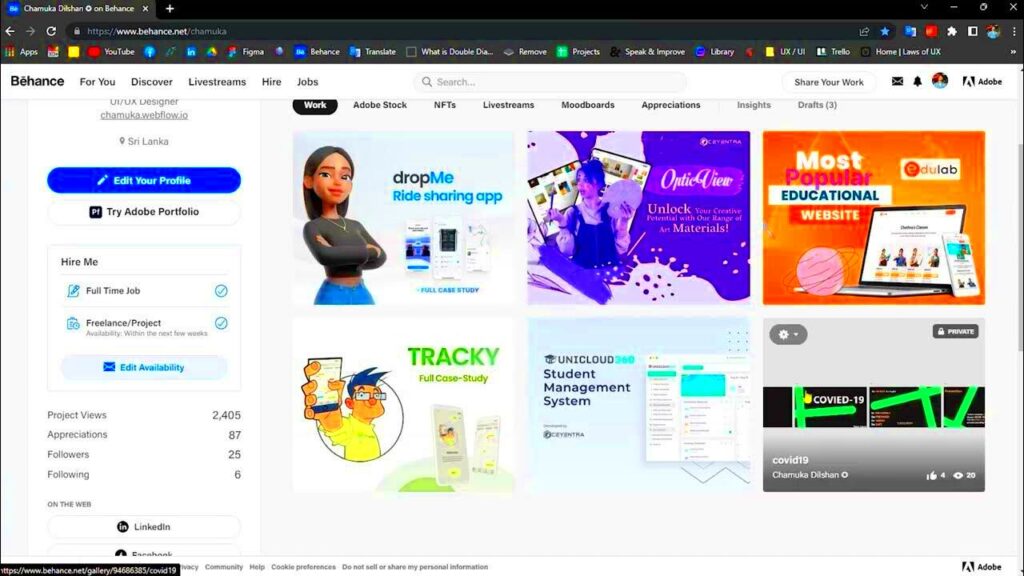
Are you looking to give your Behance portfolio a fresh look? Reordering your projects can help highlight your best work and create a more engaging experience for visitors. It’s a simple yet powerful way to ensure your portfolio reflects your current style and skills. Let’s dive into why reordering your projects is beneficial and how you can do it effectively.
Why You Might Want to Reorder Your Projects
Reordering your projects on Behance can serve several important purposes:
- Highlight Recent Work: You may want to showcase your latest projects that reflect your current style and expertise.
- Improve Viewer Experience: A well-ordered portfolio makes it easier for viewers to find what interests them, leading to better engagement.
- Showcase Specific Skills: If you’re looking to attract a certain type of client, you can position projects that demonstrate relevant skills at the top.
- Maintain Professionalism: Regularly updating your portfolio shows that you are active and committed to your craft.
- Tell a Story: Organizing projects in a logical order can create a narrative that draws viewers in.
By reordering your projects, you can present a more polished and thoughtful portfolio that resonates with your audience.
Steps to Reorder Projects on Behance
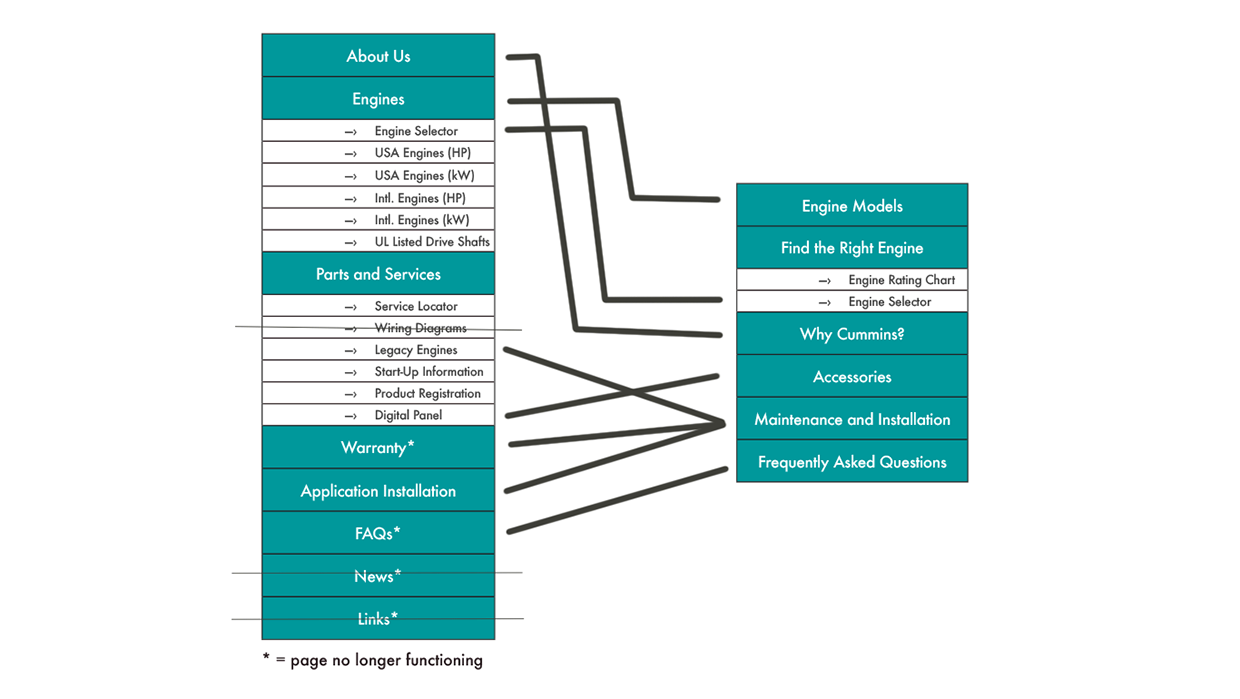
Reordering projects on Behance is straightforward. Here’s how to do it:
- Log In to Your Behance Account: Open Behance and log into your account.
- Go to Your Profile: Click on your profile icon to access your portfolio.
- Select the Projects You Want to Move: Browse through your projects and identify which ones you want to reorder.
- Drag and Drop: Use the drag-and-drop feature to rearrange your projects. Simply click and hold the project you want to move, then drag it to the desired position.
- Save Changes: After reordering, make sure to save your changes so that the new order is updated on your profile.
Following these steps will help you keep your Behance portfolio organized and visually appealing.
Tips for Organizing Your Behance Portfolio
Keeping your Behance portfolio organized is key to attracting viewers and potential clients. Here are some handy tips to help you get started:
- Use Categories: Group similar projects together. This could be by medium (like graphic design, photography, or illustration) or by project type (like personal work, client work, or collaborations).
- Prioritize Quality Over Quantity: Choose to display only your best work. It’s better to have a few standout pieces than many average ones.
- Update Regularly: Make it a habit to refresh your portfolio every few months. Remove outdated projects and add new ones to keep it relevant.
- Create a Strong Cover Image: Make sure each project has a striking cover image. This is often the first thing viewers will see, so it should grab their attention.
- Write Descriptive Titles and Captions: Use clear and engaging titles along with brief descriptions to provide context for each project. This helps viewers understand your thought process and creative journey.
Implementing these tips will make your portfolio not just visually appealing but also easy to navigate, ultimately leading to a better experience for visitors.
Common Issues When Reordering Projects
Reordering your projects can sometimes come with challenges. Here are some common issues you might encounter:
- Technical Glitches: Occasionally, Behance may experience bugs or glitches that prevent you from dragging and dropping projects. If this happens, try refreshing the page or logging out and back in.
- Confusion Over Order: If you have a lot of projects, it might be easy to lose track of what order you had in mind. Consider sketching a rough layout before you start.
- Not Saving Changes: Sometimes, users forget to click the save button after reordering. Always double-check to ensure your changes are saved.
- Balancing Old and New Work: It can be tricky to decide whether to showcase new projects or keep older, beloved ones in view. Consider alternating between them for a balanced portfolio.
Being aware of these issues can help you navigate the reordering process more smoothly, ensuring your portfolio remains a true reflection of your talents.
How to Showcase Your Best Work Effectively
Showcasing your best work is essential for making a strong impression. Here are some strategies to help you do just that:
- Highlight Your Best Projects First: Start with your strongest projects to grab attention immediately. This is crucial, as first impressions matter.
- Use High-Quality Images: Ensure that all images are high-resolution and well-lit. Poor-quality visuals can detract from even the best work.
- Tell a Story: Use your project descriptions to tell the story behind each piece. Share your thought process, challenges faced, and how you overcame them. This adds depth to your portfolio.
- Incorporate Client Testimonials: If applicable, include feedback from clients. Positive testimonials can enhance your credibility and showcase your ability to meet client needs.
- Keep it Simple: Don’t overcrowd your portfolio with too many projects. Instead, focus on a curated selection that truly represents your best work.
By effectively showcasing your best projects, you not only engage viewers but also enhance your chances of landing new opportunities in your creative field.
Benefits of a Well-Organized Portfolio
Having a well-organized portfolio is more than just aesthetics; it comes with several significant benefits. Let’s explore why investing time in organization is worth it:
- Improved First Impressions: A tidy and well-structured portfolio immediately gives a positive impression to viewers. It shows that you take your work seriously.
- Increased Engagement: When your projects are organized logically, viewers can navigate easily. This encourages them to spend more time exploring your work.
- Better Communication of Skills: A well-organized portfolio allows you to present your skills clearly. This helps potential clients or employers understand what you offer.
- Enhanced Professionalism: Regularly updated and organized portfolios indicate that you are active and serious about your craft, making you more appealing to clients.
- Facilitates Easy Updates: With an organized structure, adding new projects or removing old ones becomes straightforward, helping you keep your portfolio current.
By maintaining an organized portfolio, you not only showcase your work more effectively but also create a space that reflects your professional identity.
Frequently Asked Questions
As you think about reorganizing your Behance portfolio, you may have some questions. Here are answers to a few common ones:
- Can I reorder projects on mobile? Yes, you can reorder projects using the Behance mobile app, but the desktop version offers more straightforward drag-and-drop functionality.
- What if I want to delete a project? You can delete a project by navigating to it and selecting the delete option. Just remember that this action is permanent!
- How often should I update my portfolio? Aim to update your portfolio at least every few months. Regular updates help keep your work fresh and relevant.
- Is it okay to showcase personal projects? Absolutely! Personal projects can highlight your creativity and passion, making your portfolio more relatable.
- What’s the best way to get feedback on my portfolio? Consider sharing your portfolio with trusted peers or mentors and asking for their honest opinions.
Addressing these questions can help you feel more confident as you work on your Behance portfolio.
Conclusion on Reordering Projects
Reordering projects on your Behance portfolio is an essential step in presenting your work effectively. It allows you to showcase your best projects and maintain a professional image. By following the tips and steps discussed, you can create a more engaging portfolio that tells your story clearly.
Remember, a well-organized portfolio not only attracts viewers but also reflects your commitment to your craft. Take the time to assess and reorder your projects regularly to keep your portfolio fresh and engaging.
So, go ahead and make those changes. Your portfolio is a vital part of your creative journey, and organizing it can open doors to new opportunities.