

Dailymotion is a popular video-sharing platform that caters to millions of users worldwide. Much like its more prominent competitor, YouTube, Dailymotion allows individuals and organizations to upload, share, and experience a diverse array of video content. From music videos and documentaries to user-generated clips and professional productions,
Video formats play a crucial role in the uploading and viewing process on Dailymotion. Different formats encode video in various ways, affecting aspects such as compatibility, quality, and file size. Dailymotion supports several mainstream video formats, typically prioritizing those that are widely recognized and seamlessly streamable across devices.
Understanding which formats are compatible with Dailymotion can enhance user experience significantly. When you're considering uploading content, familiarity with accepted formats ensures smoother uploads and broader audience reach. In that context, it's essential to explore less common but emerging formats, such as OGG, to see how they fit into the Dailymotion ecosystem.
Understanding OGG Video Files
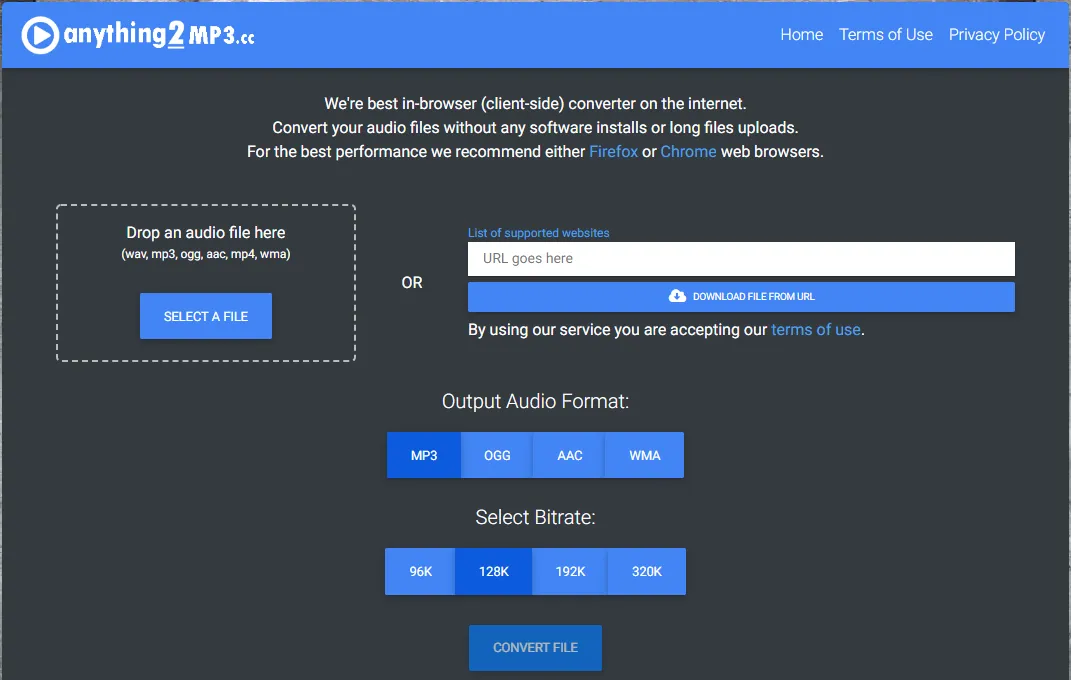
OGG is a multimedia container format known for its openness and versatility. Originally created by the Xiph.Org Foundation, OGG is designed to efficiently stream and manipulate high-quality digital multimedia. Unlike proprietary formats, OGG is completely free and unencumbered by licensing fees, making it increasingly popular among developers and content creators.
The OGG container can hold various types of codecs, with the most notable being Theora for video and Vorbis for audio. Here are some key features of OGG video files:
- Open Source: OGG is free to use, modify, and distribute, promoting creative freedom for users.
- High Quality: OGG supports high-quality video and audio, making it ideal for content creators aiming for clarity and richness.
- Compression: OGG files can be compressed effectively without a significant loss in quality, which is beneficial for streaming applications.
- Compatibility: While OGG is not as universally accepted as formats like MP4, it is supported by various players and software, especially in open-source environments.
Despite these advantages, OGG files are not as commonly used in mainstream video platforms like Dailymotion. If you're considering uploading OGG files, it's essential to check their compatibility with Dailymotion’s current supported formats, as this will directly affect how viewers access your content. Overall, understanding the unique characteristics of OGG can help you better navigate the video-sharing landscape and choose the best formats for your needs. If
Also Read This: Does Country of Residence Matter on YouTube? Understanding Regional Restrictions
How to Upload OGG Video Files on Dailymotion
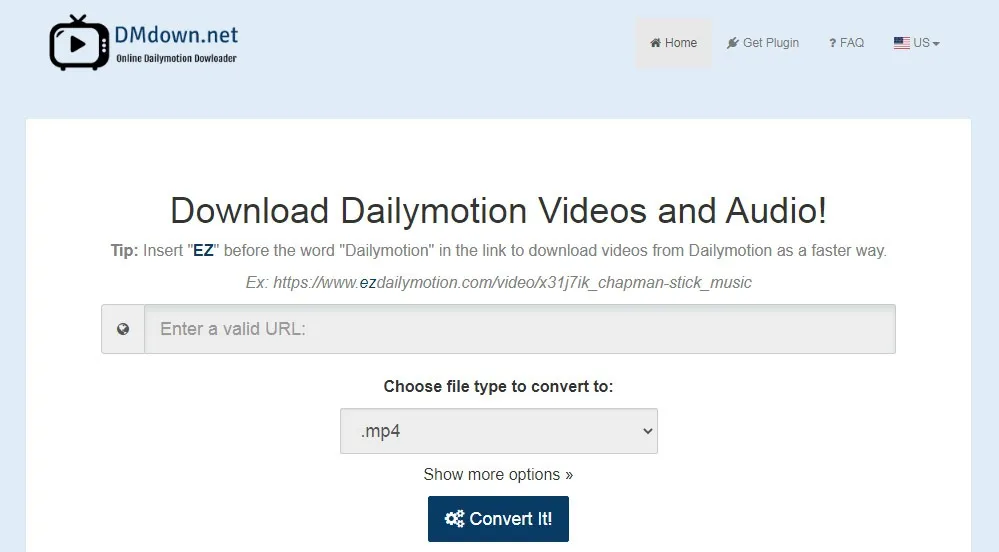
Uploading OGG video files to Dailymotion isn’t as straightforward as some other video formats, due to compatibility constraints. However, if you're determined to get your OGG content onto this platform, here’s a simple step-by-step guide to help you out.
- Create a Dailymotion Account: If you haven't done this yet, go to the Dailymotion website and register for a free account. It’s quick, and you’ll need this to upload any videos.
- Prepare Your OGG File: Ensure that your video is in OGG format. It’s wise to double-check not just the format but also the file size, as Dailymotion has limits on uploads.
- Log In to Your Account: Once your account is set up and you've prepared your video, log in to Dailymotion.
- Upload Video: Click on the '+ Upload' button usually found at the top right corner of the page. This will direct you to the upload interface.
- Select Your OGG File: Click on 'Choose Files' or drag and drop your OGG video into the upload area. Dailymotion will start processing your file.
- Add Details: While your video is uploading, fill out the title, description, and tags for better discoverability.
- Finalize and Publish: Review all information and hit 'Publish' when you're ready to make your video live. Voila! You've uploaded your OGG video.
Remember, it’s critical to check Dailymotion's guidelines regarding video formats and sizes to avoid any complications during the upload process.
Also Read This: How to Solve Video Export Issues on YouTube
Common Issues with OGG Uploads on Dailymotion

While Dailymotion is a great platform for sharing videos, users sometimes face challenges when uploading OGG files. Understanding these common issues can save you a lot of time and frustration.
| Issue | Description | Potential Solutions |
|---|---|---|
| File Format Incompatibility | Not all OGG files are guaranteed to upload correctly due to codecs or other technical specifications. | Convert your OGG file to a more compatible format like MP4 or AVI before uploading. |
| File Size Limitations | Dailymotion enforces a maximum file size for uploads, which can be a hurdle for larger OGG files. | Check the size of your OGG file and consider compressing it or trimming if it exceeds the limit. |
| Slow Upload Speed | A slow or unstable internet connection can lead to interrupted uploads or timeouts. | Ensure a stable internet connection, and try uploading during off-peak hours when traffic is lighter. |
| Processing Errors | Sometimes, videos may fail to process after a successful upload. | Give it some time, and if the issue persists, consider re-uploading the video. |
If you encounter any of these problems, don't panic! There are workarounds, and often, a little troubleshooting is all you need.
Also Read This: How to Wear Hijab for Round Face with Style Tips
7. Alternatives to OGG for Dailymotion Uploads
If you're considering uploading videos to Dailymotion and are unsure about using OGG file formats, don't worry! There are several alternative formats that you can use that are both widely supported and compatible with Dailymotion. Here are some of the best alternatives:
- MP4: This is perhaps the most popular video format globally. It's compatible with almost every platform and device. Dailymotion supports MP4 uploads, making it an excellent choice for ensuring your video looks great.
- AVI: A format that stands for Audio Video Interleave. While it's less compressed than MP4 and can offer high-quality results, the files can be larger, which may affect upload times.
- WMV: Windows Media Video is perfect for Windows users. It provides a good balance between file size and quality. Just keep in mind that some viewers may have trouble playing WMV files on non-Windows devices.
- MOV: Developed by Apple, this format is perfect for users within the Apple ecosystem. Like MP4, MOV files can hold high-quality video, but they may not be as universally compatible with all devices.
- FLV: Flash Video files are older but still viable for online video. They have historically been used on many video sites but are less favored today due to the decline of Flash support.
In summary, while OGG has its merits, sticking to widely recognized formats like MP4 or AVI when uploading to Dailymotion can help ensure that your audience can easily view your content without issues.
8. Conclusion and Final Thoughts
In wrapping up our discussion on whether Dailymotion supports OGG video files for uploading and viewing, it’s clear that the platform does not currently offer native support for this format. However, that doesn’t mean you’re out of options. As we’ve explored, plenty of alternative video formats like MP4, AVI, and MOV not only meet the technical requirements of Dailymotion but also enhance the viewing experience for your audience.
As a content creator, it's essential to deliver your videos in the most accessible format possible. This way, you're not only optimizing your content for Dailymotion but also ensuring it reaches a wider audience without playback issues.
Remember, using formats that are compatible with the platform can save you from unnecessary headaches like failed uploads or poor video quality. So, the next time you upload a video, consider choosing from the list of alternative formats we've provided.
Ultimately, whether you stick with OGG or opt for one of the alternatives, make sure to focus on producing quality content that resonates with your viewers. Happy uploading!