

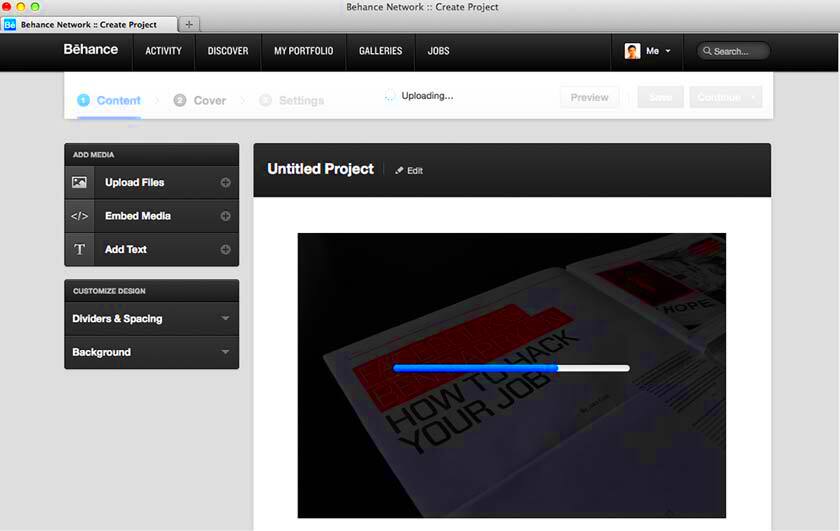
Behance is an online platform where creative professionals can showcase their work to a global audience. It is a popular choice for artists, designers, photographers, and other creatives because it offers a simple way to create a professional-looking portfolio. Whether you're just starting out or already established, Behance helps you connect with potential clients, collaborators, and employers.
Having an online portfolio is essential in today's digital age, and Behance makes the process easy and efficient. If you want to stand out in your field and increase your visibility, Behance can be a key tool for your success.
How to Set Up a Behance Account
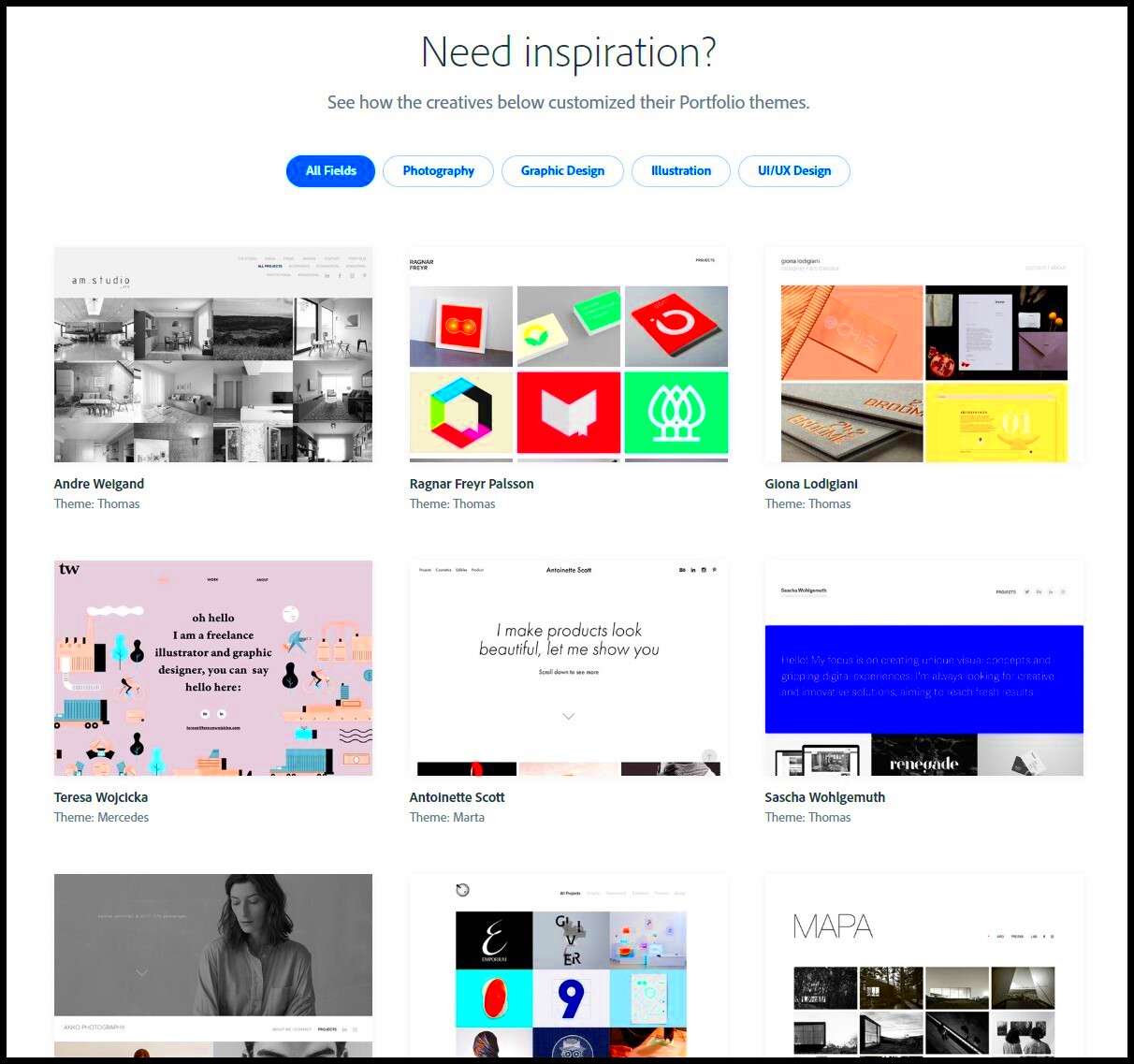
Setting up a Behance account is straightforward. You can get started in just a few minutes by following these steps:
- Visit the Behance website and click on the "Sign Up" button.
- Provide your email address, create a password, and complete the registration process.
- Once you're signed in, add your personal details, such as your name, location, and occupation.
- Upload a profile picture and write a short bio to introduce yourself to potential viewers.
- Start uploading your work. You can add images, videos, or other media that represent your best projects.
After your account is set up, take some time to personalize your profile. You want to create a cohesive and professional look that represents your brand and showcases your style.
Also Read This: Download Canva Templates to Google Slides Easily
Key Features of Behance for Building an Online Portfolio
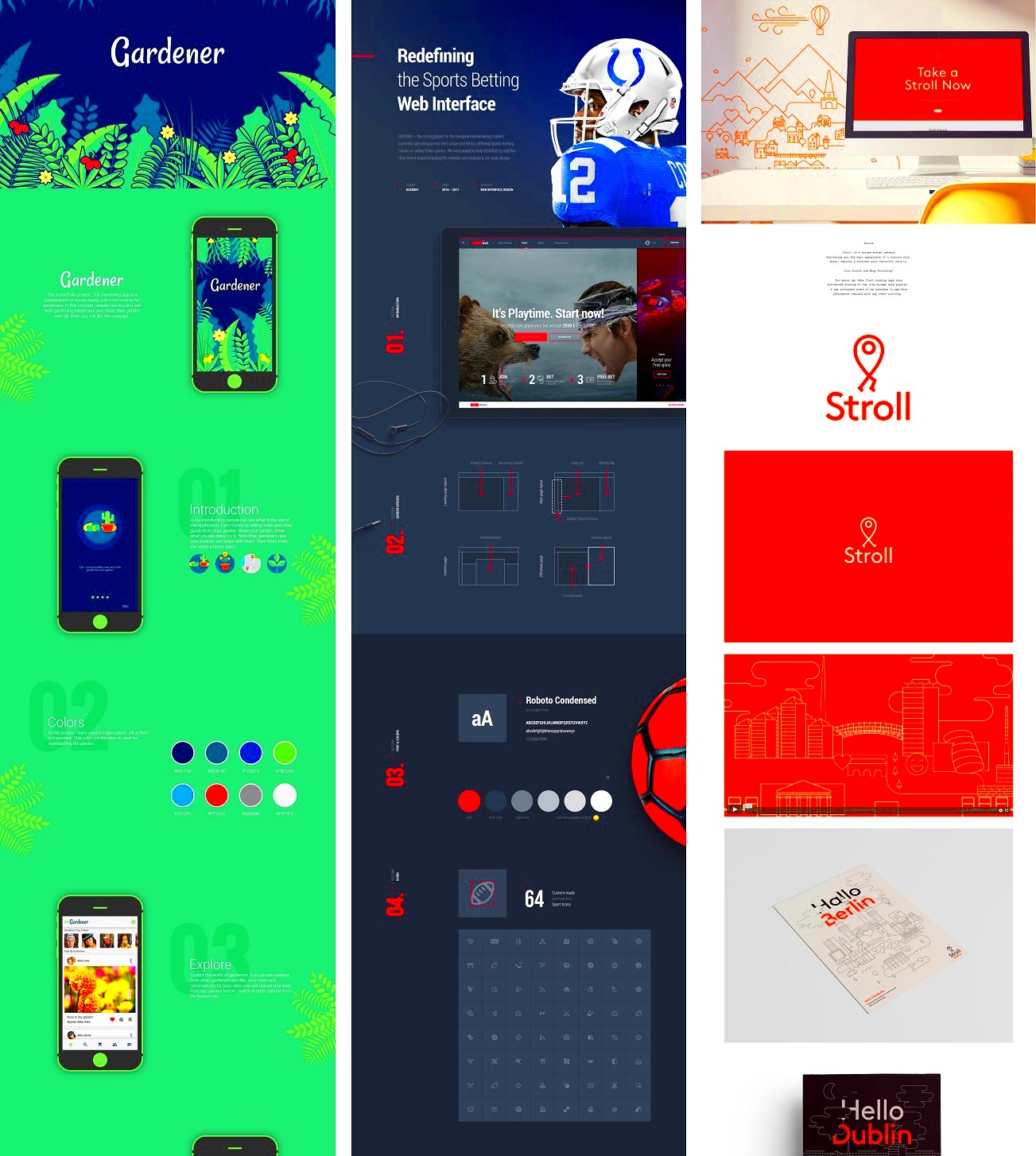
Behance offers several key features that make it easy to create and manage your online portfolio:
- Project Upload: Easily upload multiple projects, including images, videos, and text, all in one place.
- Customization Options: You can organize your portfolio in a way that best suits your work, grouping related projects together or showcasing your most important pieces at the top.
- Social Sharing: Share your portfolio across social media platforms, or embed it in your website or blog.
- Engagement Tools: Receive likes, comments, and followers from the Behance community, increasing your visibility.
- Insights and Analytics: Behance provides data on how many people view your projects and where they come from, giving you a better understanding of your audience.
These features allow you to not only present your work in a professional format but also track its impact and engagement over time, helping you grow your presence in the creative industry.
Also Read This: Understanding Eren's Motivation for the Rumbling in Attack on Titan
Tips for Showcasing Your Best Work on Behance
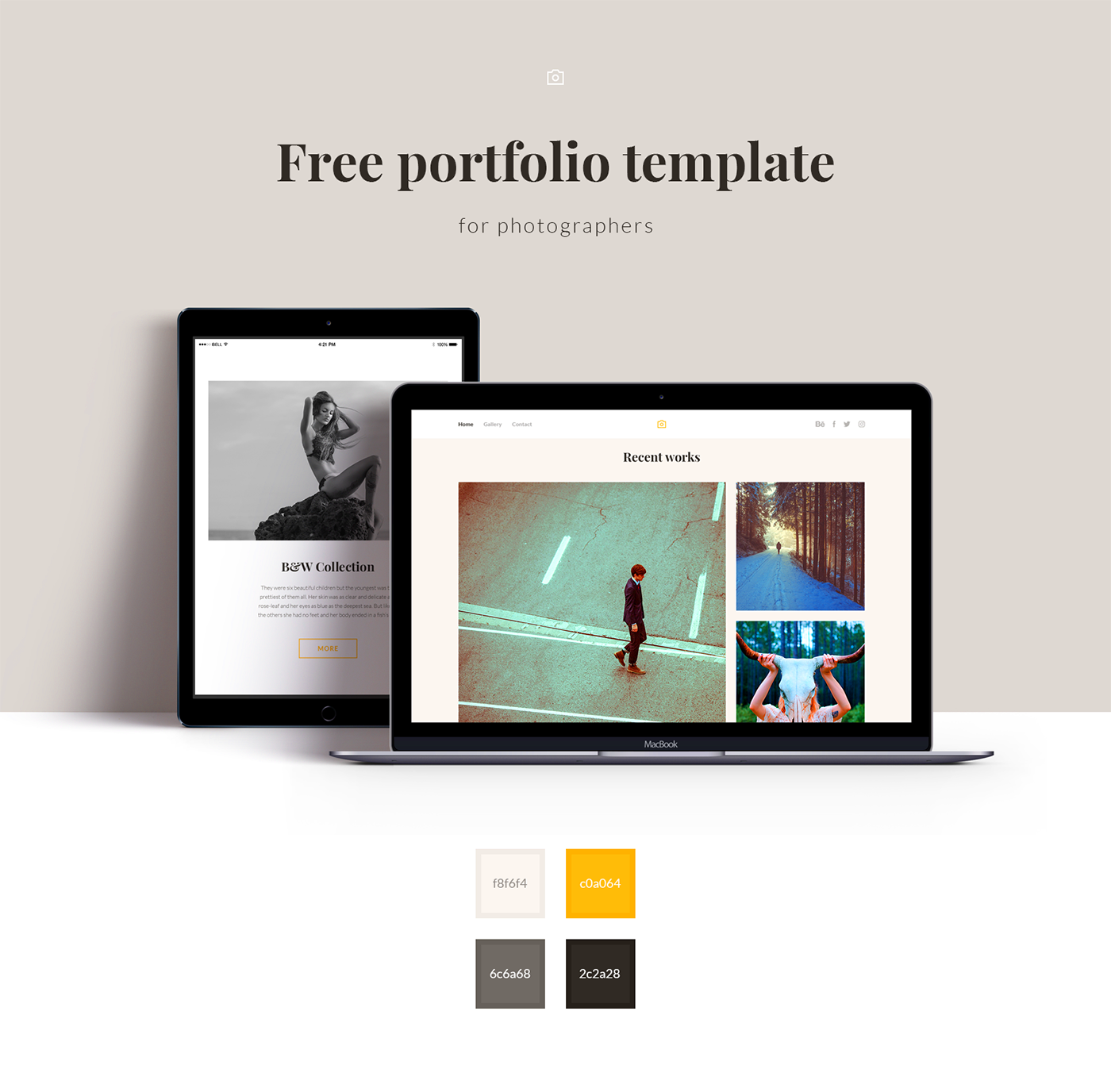
When it comes to showcasing your work on Behance, it’s important to put your best foot forward. Your portfolio should not only represent your style but also capture the attention of potential clients, collaborators, or employers. Here are some tips to help you make a lasting impression:
- Focus on Quality, Not Quantity: It’s better to have a few standout projects than many average ones. Make sure to showcase only your strongest work.
- Organize Your Work: Group similar projects together and keep your portfolio neat and easy to navigate. Use project categories and tags to help viewers find what they’re looking for.
- Include Detailed Descriptions: Don’t just upload images—explain the story behind each project. What was the goal? What challenges did you face? How did you solve them?
- Use High-Quality Images: Ensure that your images are crisp and clear. Poor-quality visuals can undermine the professionalism of your portfolio.
- Update Regularly: Keep your portfolio current by adding new work regularly. This shows that you're active and evolving in your craft.
- Engage with the Community: Interact with other creatives on Behance. Comment on their work, follow artists you admire, and participate in the platform’s community to boost your visibility.
These tips will help you create a polished and engaging portfolio that can attract the right kind of attention on Behance.
Also Read This: Effective Ways to Reach Out to Recruiters on LinkedIn
How to Drive Traffic to Your Behance Portfolio
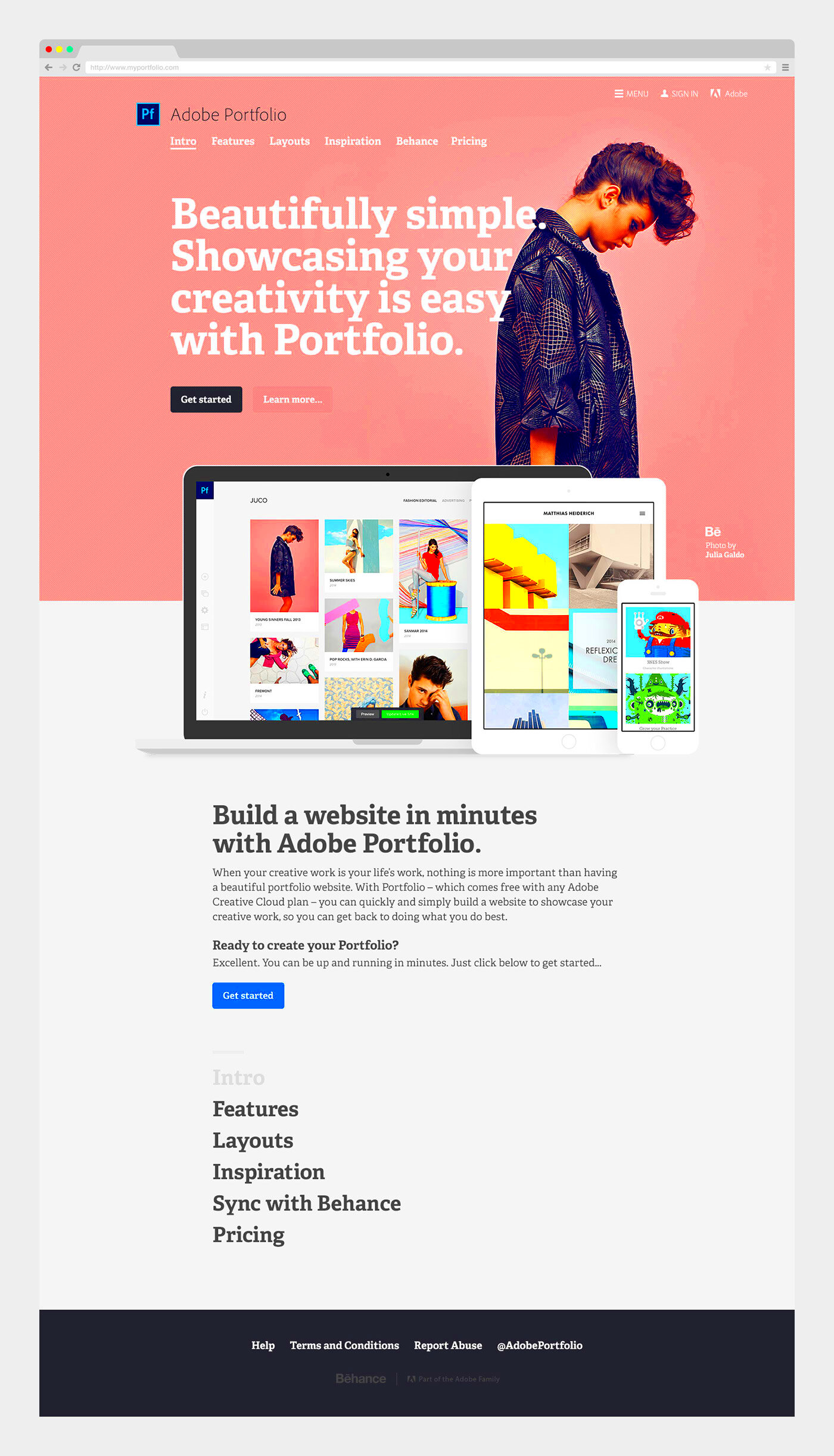
Building an impressive portfolio is just the first step. You also need to make sure people see it! Here are some ways to drive more traffic to your Behance portfolio:
- Share on Social Media: Use platforms like Instagram, Twitter, and LinkedIn to share your portfolio link. The more places you promote your work, the better your chances of getting noticed.
- Join Creative Communities: Participate in online communities like Reddit, Facebook groups, or design forums. Engage with others and share your Behance portfolio when relevant.
- Embed on Your Website: If you have a personal website, embed your Behance portfolio directly on your homepage. This gives visitors an easy way to browse your work.
- Utilize SEO: Optimize your Behance profile with relevant keywords. Include industry-specific terms in your project titles, descriptions, and tags so your work appears in search results.
- Network with Other Creatives: Collaborate with other Behance users or participate in Behance’s creative challenges. The more exposure your work gets within the platform, the more it can spread outside of it.
Driving traffic to your Behance portfolio takes time and effort, but by using these strategies, you can increase your chances of reaching a wider audience.
Also Read This: Mastering LinkedIn Connections for Professional Networking
Using ImgPanda to Download High-Quality Images from Behance
Sometimes, you might want to download high-quality images from Behance, either for inspiration or personal use. However, Behance doesn’t always make it easy to download images directly. This is where ImgPanda can help.
Here’s how ImgPanda works:
- Visit ImgPanda: Go to ImgPanda and navigate to the Behance Image Downloader page.
- Copy the Behance Image URL: Open the Behance project you want to download from, and copy the image or project URL.
- Paste the URL into ImgPanda: Paste the Behance link into the input box on ImgPanda’s website.
- Download the Image: Click the download button, and the image will be saved to your device in high quality.
ImgPanda simplifies the process, allowing you to save images quickly and efficiently. This can be particularly useful if you're doing research, creating mood boards, or simply want to keep a collection of inspiring work from Behance.
With ImgPanda, you get high-quality images without the hassle, making it a handy tool for anyone who regularly explores Behance for creative inspiration.
Also Read This: Royal Rumble 2024 Pay-Per-View Pricing and Inclusions
Common Mistakes to Avoid When Creating a Portfolio on Behance
Creating a portfolio on Behance is an exciting opportunity to showcase your talent, but there are common mistakes that can hurt your chances of standing out. Here are some things to avoid to ensure your portfolio shines:
- Overloading with Projects: Don’t overwhelm viewers by uploading every project you’ve ever worked on. Instead, focus on quality. Showcase a few well-done, diverse pieces to demonstrate your range and skill.
- Ignoring Project Details: Many people skip writing descriptions for their projects. This is a missed opportunity to explain your creative process, challenges faced, and the solutions you provided. Include meaningful context for each project.
- Poor Image Quality: Low-resolution or pixelated images can make even the best work look unprofessional. Always upload high-quality visuals that accurately reflect your work.
- Inconsistent Branding: Your portfolio should feel cohesive. Use consistent fonts, colors, and layout styles to create a professional look that matches your personal brand.
- Not Updating Regularly: A portfolio that hasn’t been updated in years can give the impression that you’re inactive. Keep your portfolio fresh by regularly adding new work or refining older projects.
- Neglecting Engagement: Many creatives forget to engage with the Behance community. Interacting with others, commenting on work, and joining discussions can boost your visibility and connections.
Avoiding these mistakes will help ensure that your Behance portfolio leaves a positive and lasting impression.
Also Read This: How to Delete a Behance Project
FAQ about Behance Portfolio Creation
Here are some frequently asked questions about creating a Behance portfolio to help you get started:
| Question | Answer |
|---|---|
| Do I need to pay to use Behance? | No, Behance is free to use. You can create and manage your portfolio at no cost. However, Adobe Creative Cloud subscribers get additional features and integrations. |
| What type of work can I showcase on Behance? | You can showcase a variety of creative work, including graphic design, illustration, photography, video, and more. Behance supports multiple formats, so you can upload images, videos, and even interactive media. |
| How do I make my portfolio stand out? | Focus on showcasing your best work, write detailed descriptions, and keep your portfolio organized. Engaging with the community and promoting your portfolio on social media also helps. |
| Can I collaborate with other creatives on Behance? | Yes, Behance allows you to collaborate with others by sharing projects, commenting on their work, or even starting joint projects. Collaboration is a great way to grow your network. |
| How can I track the success of my portfolio? | Behance provides analytics that show how many people are viewing your projects and where they are coming from. Use this data to understand your audience and improve your reach. |
Conclusion: Making the Most of Behance for Your Creative Career
Behance is a powerful platform that can help you build a professional online portfolio and grow your creative career. Whether you’re just starting or looking to refresh your existing portfolio, Behance provides the tools you need to showcase your talent, connect with potential clients, and engage with a global community of creatives.
By avoiding common mistakes, regularly updating your portfolio, and using tools like ImgPanda to manage your images, you can create a compelling Behance presence that truly reflects your skills and style. Remember, your portfolio is a living document that evolves with your career, so keep refining and promoting it to make the most of every opportunity that comes your way.
With the right approach, Behance can be a key factor in advancing your creative journey, helping you reach new audiences and take your career to the next level.