


Creating a Behance portfolio is an important step for anyone looking to showcase their work in the creative field. This platform allows designers, artists, and other creatives to share their projects with a broad audience. But why is it so vital to have a Behance portfolio? Let’s explore.
First, having a Behance portfolio helps you build your brand. It acts as a digital resume where you can display your best work. When potential clients or employers view your portfolio, they can see your skills and style in one place. Here are some key reasons why a Behance portfolio matters:
- Visibility: Behance is widely used in the creative industry, giving your work exposure to a global audience.
- Networking: Connecting with other creatives and potential clients becomes easier.
- Feedback: You can receive constructive criticism from fellow artists, helping you improve your craft.
- Opportunities: Many companies scout for talent on Behance, so having a portfolio can lead to job offers.
Steps to Create a Professional Behance Portfolio
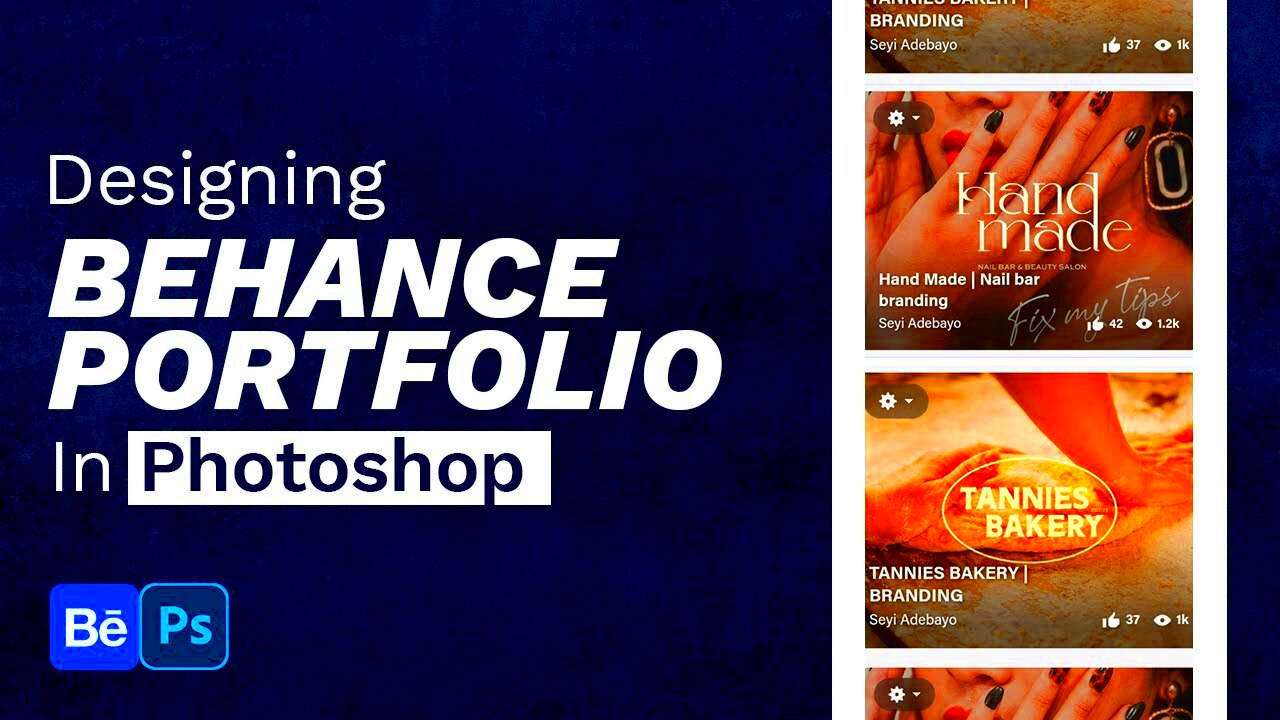
Creating a professional Behance portfolio is straightforward. Follow these steps to get started:
- Sign Up: Create a Behance account. It’s free and easy!
- Choose a Username: Pick a username that reflects your brand. This will be part of your URL.
- Complete Your Profile: Add a profile picture and a bio that highlights your skills and interests.
- Upload Projects: Start adding your best work. Make sure each project is well-presented.
- Organize Your Work: Use projects to group similar works together, making it easy for viewers to navigate.
- Optimize for Search: Use relevant keywords in your project titles and descriptions to improve searchability.
Also Read This: Simple Steps to Enjoy Dailymotion on Your TV with Easy Tutorials
Choosing the Right Projects to Showcase
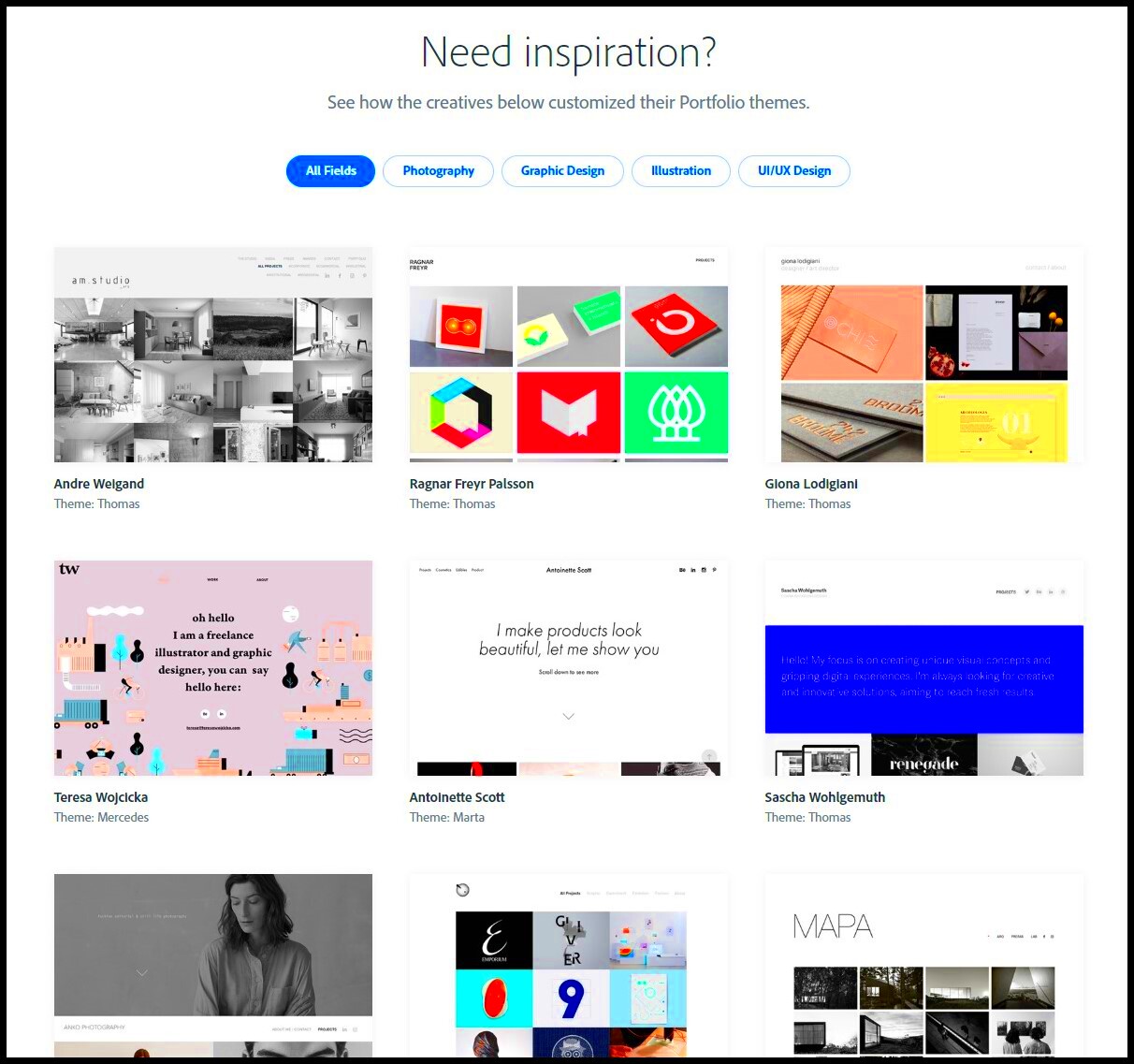
Selecting the right projects for your Behance portfolio can make a significant difference in how viewers perceive your work. Here’s how to choose wisely:
- Quality Over Quantity: It's better to showcase a few outstanding projects than many mediocre ones.
- Diversity: Include a range of work that showcases your versatility. This could be different styles, techniques, or mediums.
- Relevance: Select projects that align with the kind of work you want to attract. If you want to do more branding work, showcase those projects prominently.
- Personal Projects: Don’t hesitate to include personal projects that reflect your creativity and passion.
By choosing the right projects, you can effectively communicate your skills and artistic vision, making a strong impression on anyone who visits your portfolio.
Also Read This: Does Storyblocks Footage Come in 24p Format for Video Projects
Tips for Designing Your Behance Portfolio
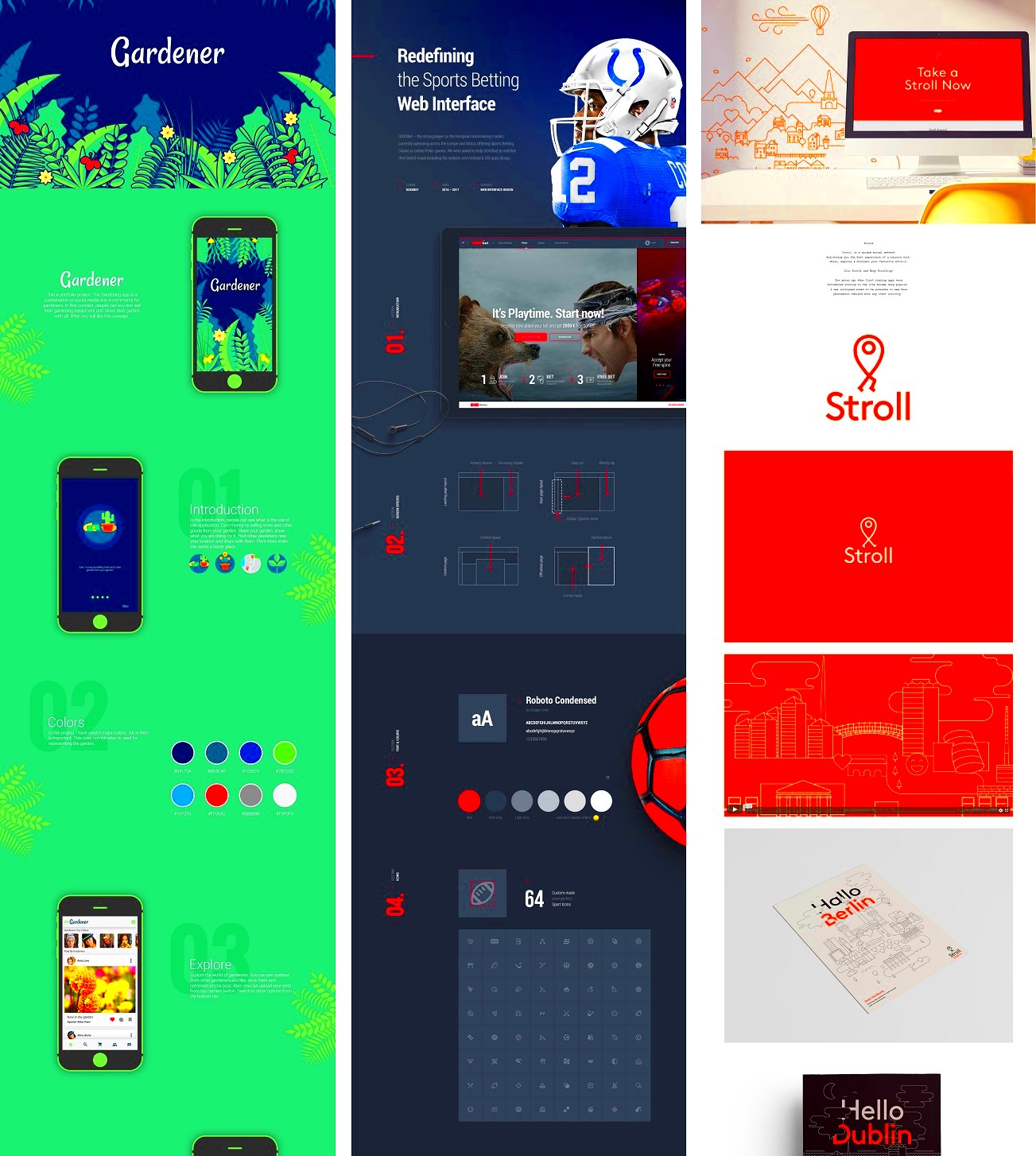
Designing your Behance portfolio is an exciting opportunity to express your creativity and showcase your style. A well-designed portfolio not only attracts viewers but also keeps them engaged. Here are some helpful tips to make your portfolio stand out:
- Choose a Clean Layout: A clean and simple layout allows your work to shine. Avoid cluttering your pages with too many elements.
- Use High-Quality Images: Ensure that all images are high resolution. This reflects professionalism and attention to detail.
- Create a Cohesive Color Scheme: Stick to a consistent color palette that represents your brand. This creates a harmonious look throughout your portfolio.
- Make Navigation Easy: Use clear headings and categories to help viewers find what they're looking for without hassle.
- Highlight Key Projects: Place your best work at the top or in a featured section. First impressions matter!
- Responsive Design: Ensure your portfolio looks great on all devices. Many users will view your work on their phones or tablets.
By following these tips, you can create an engaging Behance portfolio that reflects your unique style and attracts the right audience.
Also Read This: Can You See When You Connected with Someone on LinkedIn
Adding Descriptions and Tags for Better Visibility
Adding descriptions and tags to your projects is crucial for enhancing visibility on Behance. Think of descriptions as a way to tell the story behind your work. Here’s how to do it effectively:
- Be Descriptive: Use clear and engaging language to describe each project. Include details about your process, inspiration, and techniques used.
- Incorporate Keywords: Use relevant keywords in your descriptions to help potential clients find your work through search engines.
- Use Tags Wisely: Behance allows you to add tags. Choose tags that accurately represent your work, such as “graphic design,” “illustration,” or “branding.”
- Format for Readability: Break up text into short paragraphs or bullet points to make it easier for viewers to read.
With thoughtful descriptions and strategic tags, you can significantly improve your portfolio's visibility and attract more attention to your work.
Also Read This: How to Deliver a Print Release in ShootProof
Engaging with the Behance Community
Engaging with the Behance community is not just about showcasing your work; it’s also about building connections. Here are some effective ways to interact with fellow creatives:
- Follow Other Artists: Start by following artists whose work you admire. This helps build a network and may lead to reciprocal follows.
- Comment on Projects: Take time to leave thoughtful comments on others' work. Your genuine feedback can create relationships and encourage others to check out your portfolio.
- Participate in Groups: Join groups related to your interests or industry. This is a great way to meet like-minded individuals and share ideas.
- Share Your Process: Consider posting updates or behind-the-scenes looks at your projects. This encourages discussion and shows your creative process.
- Engage in Challenges: Participate in community challenges. This not only showcases your skills but also connects you with other artists.
By actively engaging with the Behance community, you can expand your network, gain inspiration, and open doors to new opportunities in your creative journey.
Also Read This: Understanding 3rd Connections on LinkedIn and Strategies for Relationship Building
Updating Your Portfolio Regularly
Keeping your Behance portfolio updated is essential to showcasing your growth as a creative professional. An outdated portfolio may give the impression that you are no longer active in your field. Here’s why and how you should make regular updates:
- Showcase New Skills: As you learn new techniques or software, make sure to add projects that reflect your evolving skill set. This demonstrates your commitment to growth.
- Remove Outdated Work: If some older projects no longer represent your current style or abilities, consider removing them. Focus on quality rather than quantity.
- Add Recent Projects: Whenever you complete a new project, add it to your portfolio promptly. This keeps your work relevant and fresh.
- Seasonal Updates: Consider updating your portfolio with seasonal projects or themes. This can attract new viewers and show your versatility.
- Engage with Feedback: After receiving feedback on your projects, use it to refine your work and showcase improvements in your portfolio.
By updating your portfolio regularly, you ensure it remains a true reflection of your current capabilities and keeps potential clients or employers interested in your work.
Also Read This: 1992 Royal Rumble Winner Key Moments and Highlights
Frequently Asked Questions About Behance Portfolios
When creating a Behance portfolio, you may have several questions. Here are some common ones and their answers:
| Question | Answer |
|---|---|
| How many projects should I include? | It’s best to focus on quality over quantity. Aim for 5 to 10 strong projects that showcase your best work. |
| Can I use copyrighted images in my portfolio? | No, you should only use images that you own or have permission to use. Copyright issues can lead to your portfolio being removed. |
| How can I get more views on my projects? | Promote your work on social media, engage with other users on Behance, and ensure your project descriptions and tags are optimized for search. |
| Is it free to create a Behance portfolio? | Yes, creating a Behance portfolio is completely free. You can sign up and start showcasing your work right away! |
Conclusion and Final Thoughts
Creating and maintaining a Behance portfolio is a vital step in building your brand as a creative professional. By showcasing your work effectively, engaging with the community, and keeping your portfolio updated, you can open doors to new opportunities. Remember to choose projects that reflect your skills, design your portfolio thoughtfully, and interact with others to grow your network. With dedication and effort, your Behance portfolio can become a powerful tool for your career. So, take the plunge and start creating a portfolio that you are proud to share!