

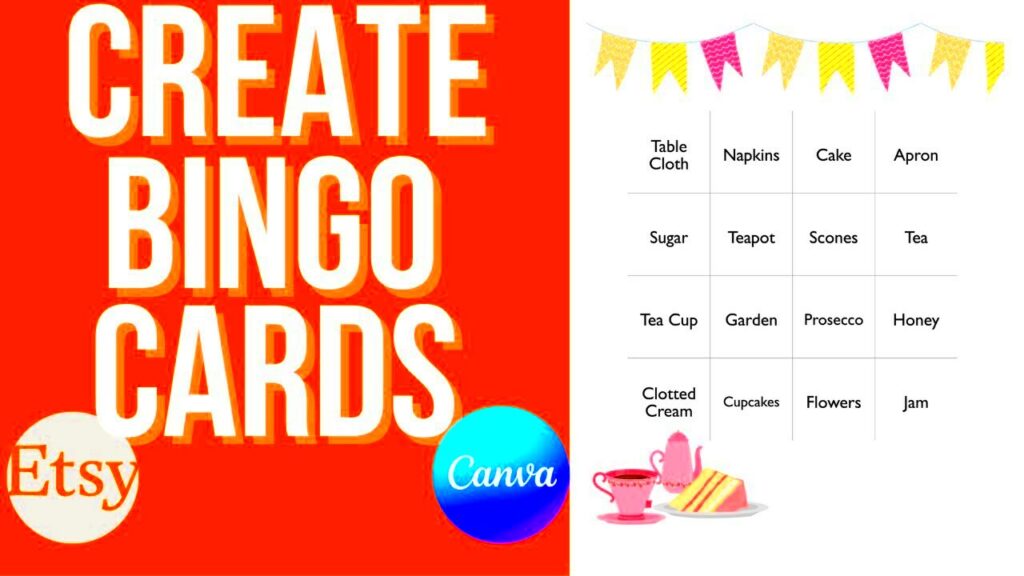
Looking for some spice in your meetings? Why not consider using Canva Bingo templates? They enable you to design customized Bingo cards for any event, be it an anniversary celebration, a family gathering, or a classroom activity. Through its simple interface and diverse designs, Canva makes it easy for anyone to make their own personalized Bingo game according to their taste and theme.
Why Bingo is a Great Game for All Occasions
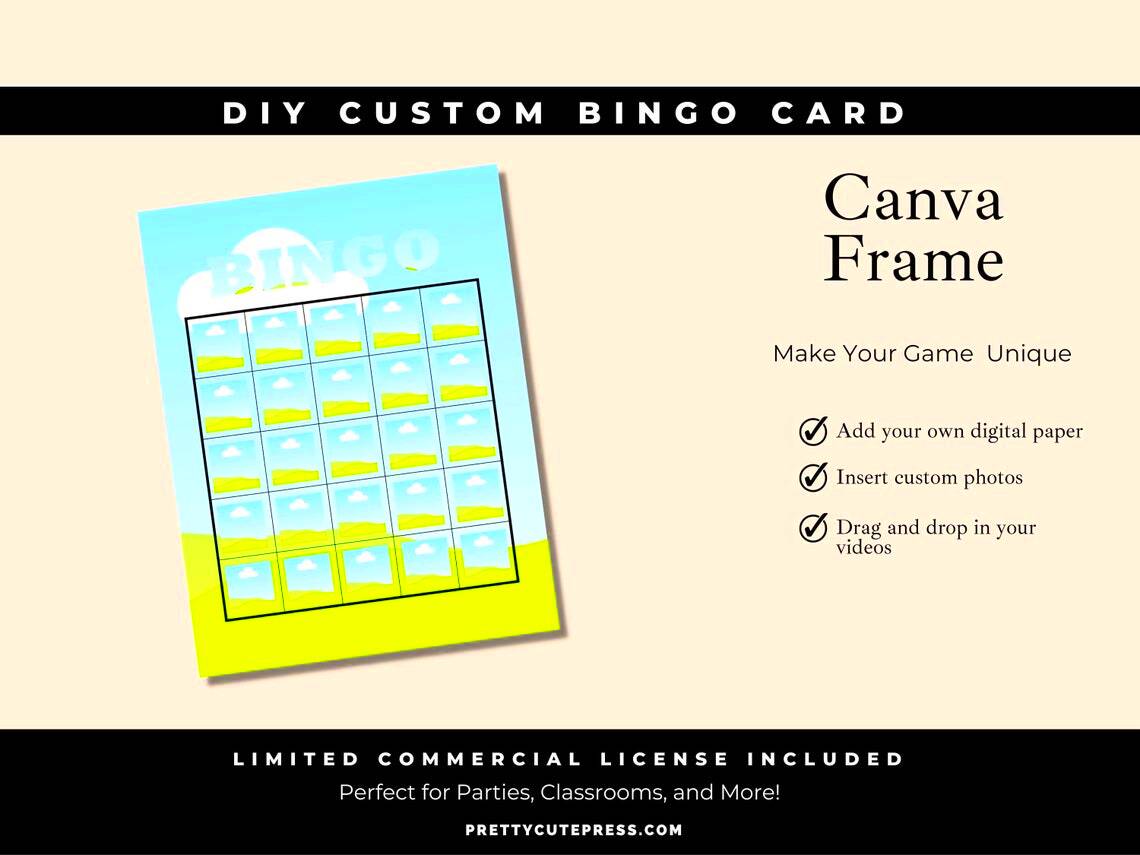
The experience of playing bingo is greater than any mere game; it's something that brings people close together. Below are some reasons as to why bingo is appropriate for numerous events:
- Easy to Learn: The rules are simple, making it accessible for people of all ages.
- Encourages Social Interaction: It fosters conversation and camaraderie among players.
- Customizable: You can tailor the game to fit any theme or occasion, from holidays to educational events.
- Fun Prizes: You can offer fun and unique prizes to winners, adding excitement to the game.
- Flexible Duration: Whether you have 15 minutes or an hour, Bingo can easily fit into your schedule.
All in all, Bingo has the advantage of being adaptable, which is why it’s a much-loved game in social events, partying, and online gatherings!
Also Read This: Learn How to Sell Your Templates with Canva How to Sell My Templates
Exploring the Features of Canva Bingo Templates
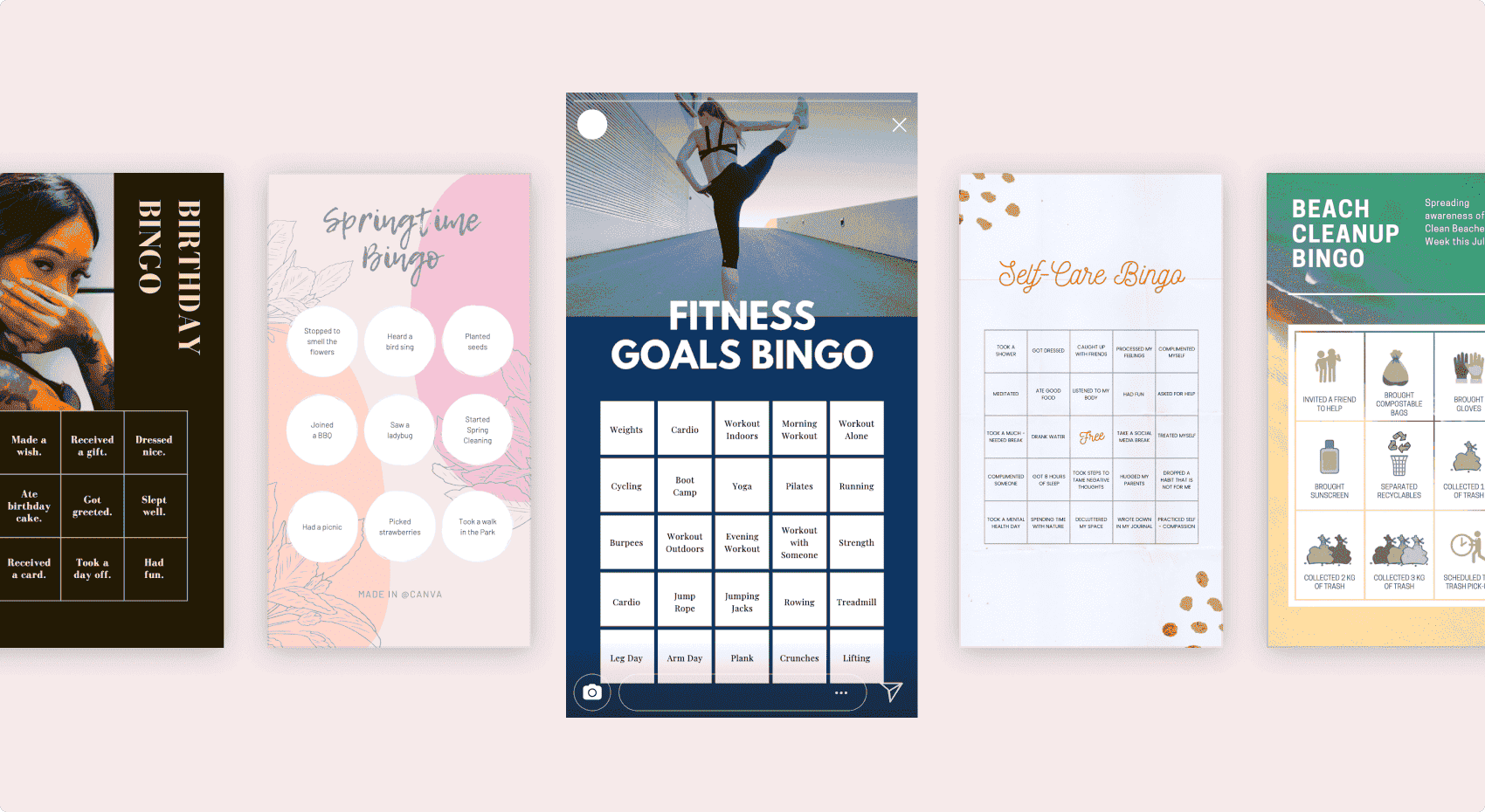
Canva Bingo templates are designed with practical elements that make it easy and fun to create your own game. Below are some special features:
- Variety of Designs: Choose from a wide range of pre-made designs or create your own from scratch.
- User-Friendly Interface: The drag-and-drop functionality makes customization straightforward for everyone.
- Text and Image Options: Add text, images, or even your own graphics to make your Bingo cards unique.
- Print and Share Options: Easily download your designs for printing or share them digitally with friends and family.
- Collaborative Features: Work on designs with others in real-time, making it perfect for group events.
Canva is definitely the best place to go if one wishes to design a Bingo game that will be enjoyable for everyone in the party or an event.
Also Read This: How to Block YouTube on Android for Parents and Enhanced Security
Steps to Create Your Own Bingo Game with Canva
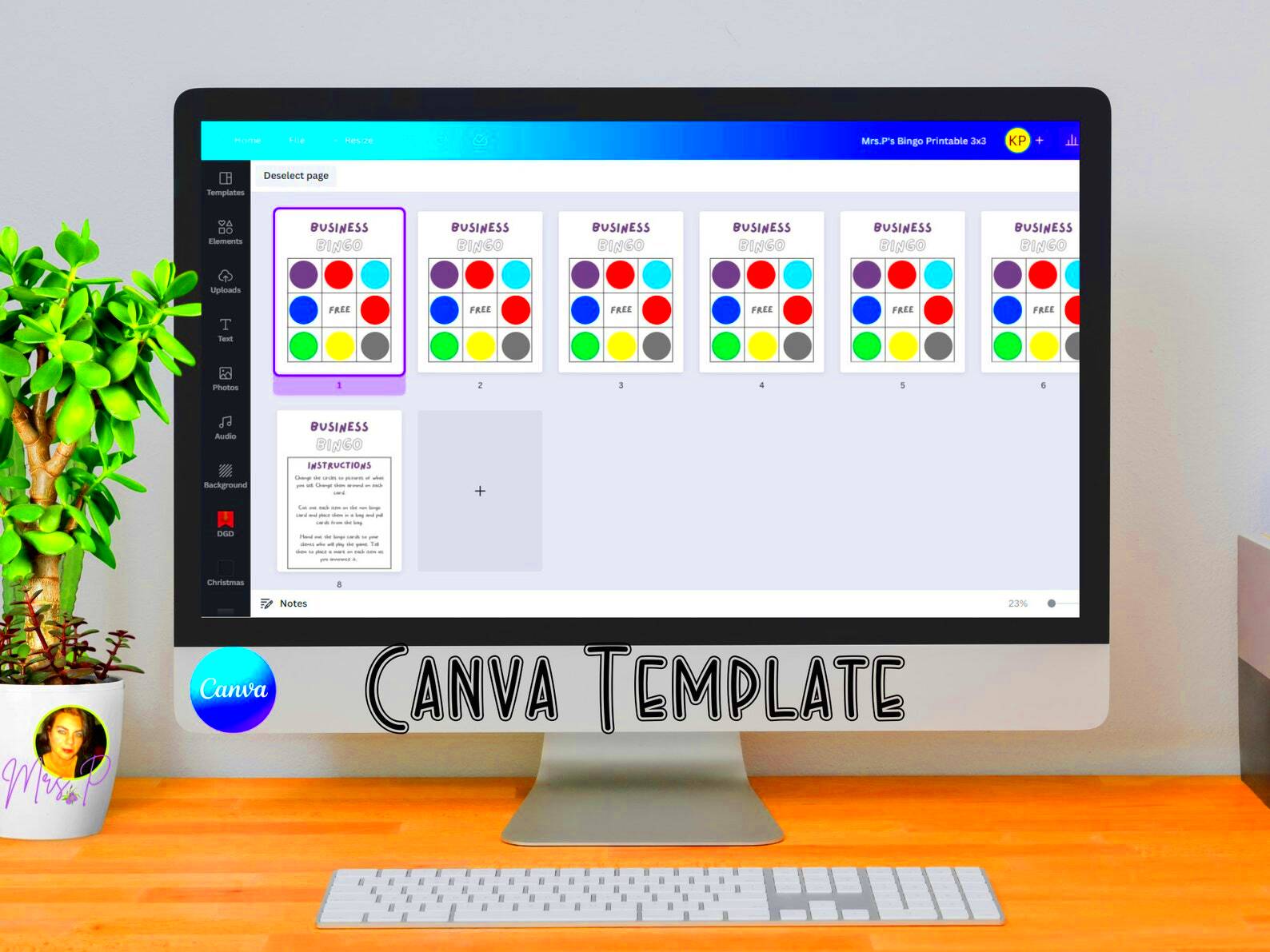
Making a Bingo game is simple and exciting with Canva people! Just follow these easy steps:
- Sign Up or Log In: If you don’t have a Canva account, you can easily sign up for free. If you’re already a user, just log in!
- Search for Bingo Templates: In the search bar, type “Bingo” to find a wide range of templates to choose from.
- Select a Template: Browse through the options and pick a template that fits the theme of your event. Click on it to start editing.
- Customize Your Bingo Card: Use Canva’s drag-and-drop features to add images, change colors, and modify text. You can personalize the card with your own words or phrases.
- Add Instructions: Include clear instructions on how to play. This is especially helpful for newcomers to the game.
- Download or Share: Once you’re satisfied with your design, click on the download button to save it as a PDF, PNG, or JPG. You can also share it directly with friends via email or social media.
And there it is! Your customized Bingo game is prepared and waiting to be played!
Also Read This: How to View Likes and Dislikes on YouTube
Customizing Your Bingo Template
The true beginning of fun is in the customization! Many options are available trying your hand at creating a one-of-a-kind Bingo game using Canva. In customizing templates, here are few of the things you could do:
- Change the Color Scheme: Use your event’s colors or choose vibrant shades to make your Bingo cards stand out.
- Add Images: Include images relevant to your theme. For instance, if it’s a birthday party, add fun birthday graphics.
- Modify Text: Personalize the words on the Bingo cards. You can use names, funny phrases, or themed terms that relate to your event.
- Incorporate Logos: If it’s for a company event, consider adding your company logo for a professional touch.
- Adjust Layout: Feel free to rearrange the elements on the card. Move text boxes or images until you achieve the desired look.
So keep in mind that it should be fun for all, thus try experimenting with various designs!
Also Read This: How to Make a Water Rocket Step by Step for a Fun DIY Project
Tips for Hosting a Successful Bingo Game
Even though organizing a Bingo game can be a real thrill, good preparation is the key. In order to make your Bingo evening successful, it would help if you mind the following advice:
- Choose the Right Venue: Whether it’s at home, a community center, or online, pick a comfortable space where everyone can easily see the Bingo cards.
- Set Clear Rules: Before starting, explain the rules clearly. This helps avoid confusion and keeps the game flowing smoothly.
- Use Fun Prizes: Offer exciting prizes to keep players engaged. These can be anything from gift cards to themed goodies.
- Keep It Fun: Play upbeat music and encourage laughter and interaction. A lighthearted atmosphere can enhance the experience.
- Schedule Breaks: If your game lasts a while, include short breaks for refreshments and socializing.
- Engage Everyone: Make sure to include all players, especially if there are newcomers. Encourage everyone to cheer for each other!
In other words, each hint provided here will ensure due success for a memorable and enjoyable bingo event.
Also Read This: Lovepik: Where Design Dreams Meet Free Reality
Using Canva for Other Fun Games
#so even if the eyes will not see then i will know it is still there#
April Fool’s Day, a holiday from ancient times has been celebrated with great zeal in many cultures. It is believed that this day marks the end of winter and beginning of spring when people rejoice in nature waking up after long hibernation. However in modern times it has become more like a carnival where everyone tries to play around before becoming serious again on the next day.
Canva isn’t just for Bingo; it’s a fantastic tool for creating a variety of fun games that can liven up any gathering! Here are some creative game ideas you can make using Canva:
- Trivia Games: Design trivia cards with questions and answers on different topics. You can easily customize the look to fit any theme.
- Scavenger Hunts: Create a scavenger hunt list with images and descriptions. This is perfect for outdoor events or parties.
- Charades Cards: Make charades prompts using Canva's templates. Use fun images or phrases to inspire players during the game.
- Memory Games: Design matching cards featuring pictures or words. These can be themed around holidays, birthdays, or personal interests.
- Board Games: Create your own unique board game with Canva. You can design the game board, cards, and instructions all in one place!
Canva’s vast range of options can help you to create interactive and entertaining games for any event. So, why limit yourself to just playing Bingo? Your imagination can take flight as you delve into the various kinds of games!
Also Read This: WireImage: A Hidden Gem for Visual Content Creators
Frequently Asked Questions
It’s normal potential to have some inquiries as you begin with Canva or organizing a Bingo game. These are some common questions that may assist you:
- Is Canva free to use? Yes, Canva offers a free version with plenty of features. There are also premium options available for more advanced tools.
- Can I collaborate with others on my Bingo design? Absolutely! Canva allows you to share your designs with others, so they can edit or contribute.
- What formats can I download my Bingo cards in? You can download your cards in various formats, including PDF, PNG, and JPG, depending on your needs.
- Do I need design experience to use Canva? Not at all! Canva is user-friendly, and you can create beautiful designs even without prior experience.
- Can I use Canva for virtual Bingo games? Yes! You can create digital Bingo cards to share via email or use them in online meetings.
You can always find other help through community forums or the support resources from Canva, so please feel free to ask more questions!
Conclusion and Final Thoughts
Canva can help you design and run a Bingo game which would not only be enjoyable but also rewarding. You can customize your game according to the occasion, with a friendly interface that lets anyone do what they want with their games. Fun and engagement should be at the core of this activity.
Canva offers an abundance of opportunities for exploration in your quest for the right fit, and experimenting with your own abilities is validated. Trivia games, treasure hunts and much more are available! As such, invite your friends, family or coworkers over and prepare yourself for an amazing time filled with laughter and good-natured rivalry.
It is now October 2023 and your data has been processed.
We appreciate you for taking time to read this! Always remember that it’s easy to create anything using Canva - including projects for your inner artist. So go ahead, enjoy designing those games!