
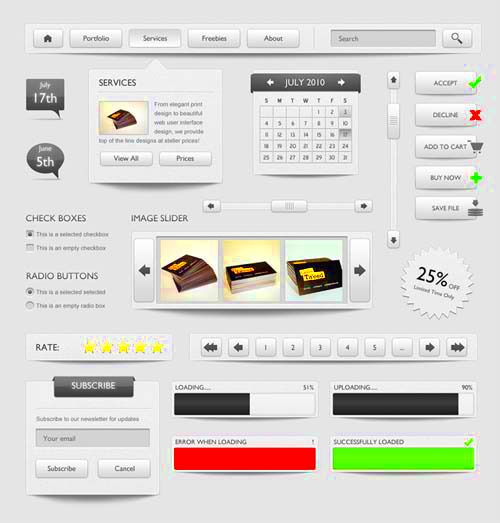
Behance is a fantastic platform where designers showcase their work. One popular format you might come across is the PSD file, which is often used for Adobe Photoshop projects. Downloading these files can help you learn design techniques, customize templates, or even use them for your own projects. In this post, we’ll explore why you might want to download PSD files, how to find them, and the steps to do it easily.
Why You Might Want to Download PSD Files
There are several reasons to consider downloading PSD files from Behance:
- Learning and Inspiration: Studying PSD files can teach you about layering, blending modes, and other design techniques.
- Customization: If you find a design that you love, you can modify it to fit your needs by editing the PSD file.
- Professional Development: Access to high-quality designs can help you improve your skills and build your portfolio.
- Access to Unique Resources: Many designers share their files to help others; you can find unique assets not available elsewhere.
How to Find PSD Files on Behance
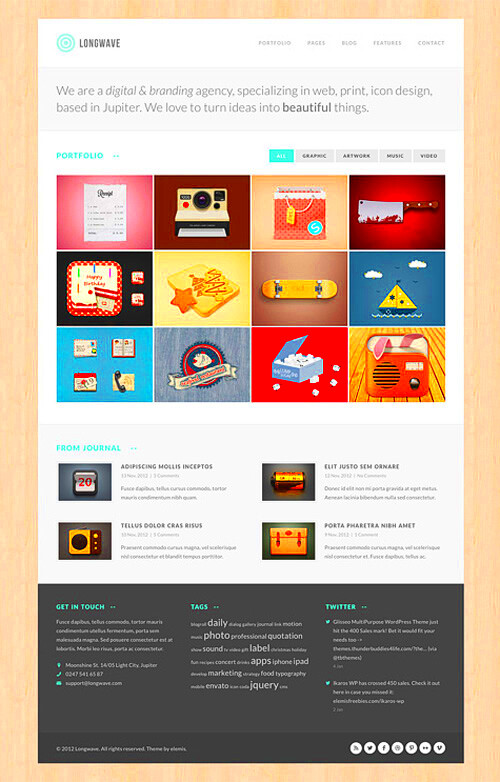
Finding PSD files on Behance is straightforward if you know where to look. Here are some tips to help you:
- Use the Search Bar: Type “PSD” or “Photoshop” into the search bar at the top of the Behance homepage.
- Explore Creative Fields: Navigate through categories like Graphic Design, Illustration, or Photography to find relevant projects.
- Check Project Descriptions: Many designers mention if their projects include downloadable PSD files. Look for phrases like “Downloadable” or “Free PSD.”
- Follow Designers: Once you find creators whose work you admire, follow them. They may share PSD files in future projects.
By using these methods, you’ll increase your chances of discovering valuable PSD files that you can download and use.
Steps for Downloading PSD Files Easily
Downloading PSD files from Behance is a breeze if you follow these simple steps. Whether you are a beginner or an experienced designer, you can quickly grab the files you need. Here’s how to do it:
- Find the Project: Start by searching for the design you want. Use the search bar or browse categories to locate the project containing the PSD file.
- Check for Download Options: Open the project page and look for a download button. It is usually located near the project title or in the project description.
- Click the Download Button: If the designer has provided a download link, click it. Depending on the designer’s settings, you might get redirected to another page or start downloading immediately.
- Save the File: Choose a location on your device to save the PSD file. Make sure you remember where you put it so you can find it later.
- Open in Photoshop: After downloading, open the file in Adobe Photoshop to start working on it. You can now edit, customize, or learn from it!
By following these steps, you can easily download any PSD file you find on Behance and get started with your design projects!
Using ImgPanda Behance Downloader for Quick Access
If you want a faster way to download PSD files, consider using the ImgPanda Behance Downloader. This tool simplifies the process, making it quick and easy to access your favorite files. Here’s how to use it:
- Visit ImgPanda: Go to the ImgPanda website and navigate to the Behance downloader section.
- Copy the Project URL: Find the Behance project you want to download from and copy its URL from the address bar.
- Paste the URL: In the ImgPanda downloader, paste the copied URL into the designated field.
- Click Download: Hit the download button. The tool will process the URL and give you a link to download the PSD file.
- Save Your File: Choose where to save the file on your device, and you’re all set!
Using ImgPanda not only saves you time but also ensures you don’t miss out on any downloadable files from your favorite designers on Behance.
Tips for Managing Downloaded PSD Files
After downloading PSD files, it’s essential to manage them properly. This helps keep your workspace organized and makes it easier to find files when you need them. Here are some helpful tips:
- Create Folders: Organize your downloads into folders based on categories like “Templates,” “Inspiration,” or “Projects.” This way, you can quickly locate files later.
- Rename Files: Give each PSD file a clear and descriptive name. This makes searching for specific files easier in the future.
- Backup Your Files: Use cloud storage services or external hard drives to back up your downloaded files. This ensures you won’t lose important designs if your device crashes.
- Regularly Review Your Files: Take some time every month to go through your downloaded PSDs. Delete any that you no longer need to keep your collection tidy.
- Keep Software Updated: Ensure your Adobe Photoshop is up to date. New updates can improve file compatibility and provide new features for editing your PSD files.
By following these tips, you can efficiently manage your downloaded PSD files, making your design process smoother and more enjoyable.
Common Issues When Downloading PSD Files
While downloading PSD files from Behance is generally straightforward, you may encounter a few common issues along the way. Understanding these problems can help you troubleshoot effectively. Here are some typical issues to watch out for:
- No Download Link: Sometimes, designers don’t provide a download link for their PSD files. If you can’t find one, check the project description or comments for any updates.
- Broken Links: If you click a download link but nothing happens, it may be broken. In this case, try refreshing the page or checking back later.
- File Format Issues: Ensure you have Adobe Photoshop installed on your device, as PSD files are specifically designed for it. Trying to open them in other software can lead to compatibility problems.
- Slow Internet Connection: A weak internet connection can cause downloads to be slow or fail altogether. Try connecting to a stronger network to speed things up.
- Permissions Required: Some designers may require you to follow them or share their project before accessing the download. Make sure to check their guidelines.
By being aware of these common issues, you can save time and frustration while downloading PSD files from Behance.
Frequently Asked Questions
Here are some frequently asked questions about downloading PSD files from Behance. These answers can help clarify any doubts you may have:
Can I download PSD files for free?
Many designers offer PSD files for free, but some may charge a fee or require you to subscribe. Always check the project details for any costs involved.
Do I need to credit the designer when using their PSD files?
It’s good practice to credit the designer, especially if you’re sharing your work publicly. Check the specific project for any guidelines regarding attribution.
What if the PSD file doesn’t open in Photoshop?
Ensure that your Photoshop software is up to date. If the file still doesn’t open, it might be corrupted or incompatible. Try reaching out to the designer for help.
Can I modify downloaded PSD files?
Yes, you can modify PSD files to suit your needs, but make sure to respect the designer’s rights. Always check if there are any restrictions on modifications in the project description.
Conclusion and Final Thoughts
Downloading PSD files from Behance can greatly enhance your design projects, providing you with valuable resources and inspiration. By following the steps outlined in this post and being aware of potential issues, you can make the process smooth and efficient. Remember to manage your downloaded files wisely and give credit to designers whenever possible.
Whether you’re a beginner or an experienced designer, using these tips will help you maximize your learning and creativity. So go ahead and start exploring the wealth of design resources available on Behance!