
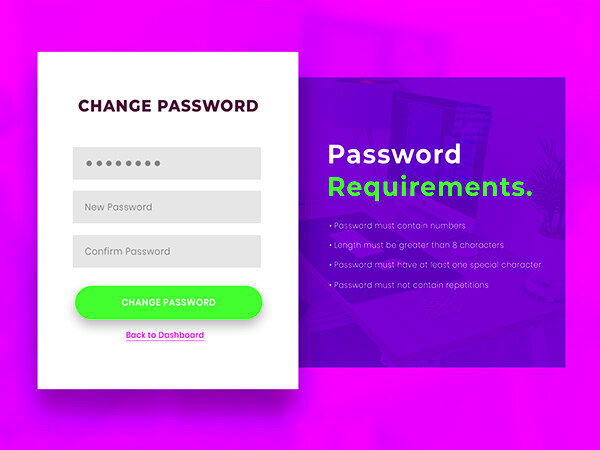
Keeping your online accounts secure is more important than ever. Behance is a popular platform for creatives to showcase their work. Changing your password regularly helps protect your account from unauthorized access. Here are some key reasons to consider:
- Prevent Unauthorized Access: If someone gets hold of your password, they can access your projects and personal information.
- Account Recovery: Regularly changing your password makes it easier to recover your account in case of any suspicious activity.
- Stay Safe from Data Breaches: Data breaches happen all the time. Changing your password reduces the risk if your password has been compromised.
- Encourage Strong Password Habits: Changing your password can help you develop better password habits and use stronger combinations.
Steps to Change Your Behance Password Easily
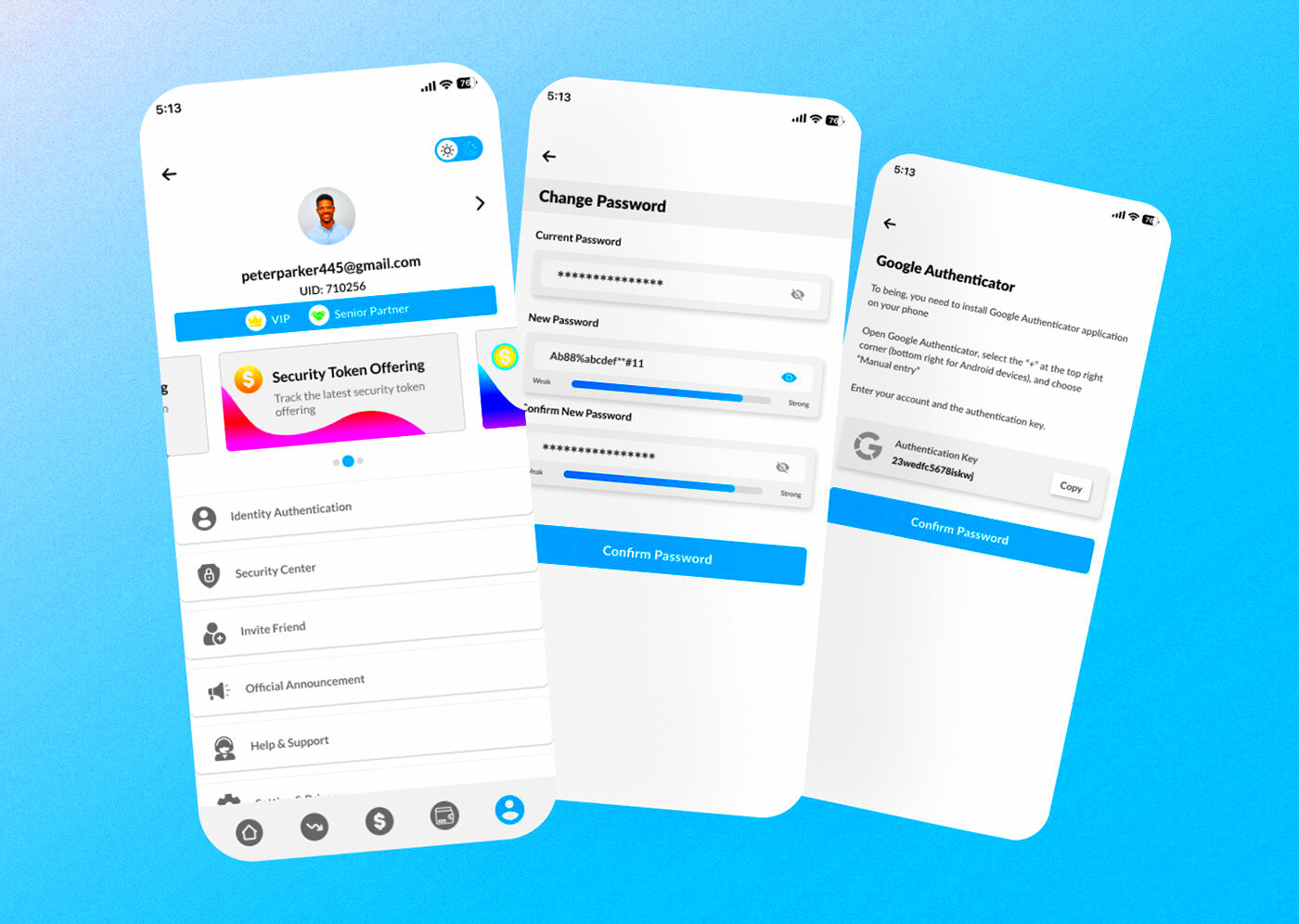
Changing your Behance password is a straightforward process. Just follow these simple steps:
- Log in to your Behance account.
- Click on your profile picture in the upper right corner.
- Select “Settings” from the dropdown menu.
- Navigate to the “Password” section.
- Enter your current password, followed by your new password. Make sure your new password is strong and unique.
- Confirm your new password and click “Save Changes.”
That’s it! Your password is now updated. Remember to use a combination of letters, numbers, and special characters for better security.
How to Reset Your Behance Password If Forgotten
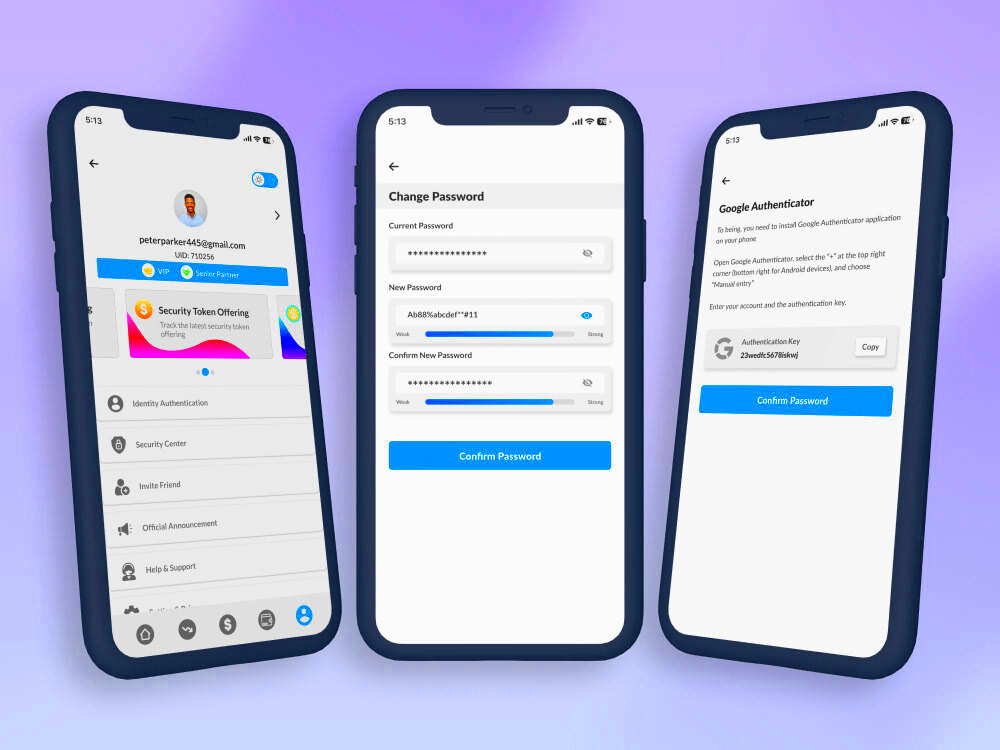
Forgetting your password can be frustrating, but resetting it is easy. If you can’t remember your Behance password, follow these steps:
- Go to the Behance login page.
- Click on “Forgot Password?” below the password field.
- Enter the email address associated with your account and click “Send Reset Link.”
- Check your email for a password reset link. Make sure to check your spam folder if you don’t see it.
- Follow the link in the email to create a new password.
Once you’ve reset your password, remember to update it regularly to keep your account safe!
Best Practices for Creating a Strong Password
Creating a strong password is essential for keeping your Behance account safe. A weak password can make you vulnerable to hackers and unauthorized access. Here are some best practices to help you create a secure password:
- Use a Combination of Characters: Your password should include uppercase letters, lowercase letters, numbers, and special characters (like !, @, #, $). For example: G@laxy!2024.
- Aim for Length: The longer your password, the harder it is to crack. Try to use at least 12 characters.
- Avoid Common Words: Stay away from easily guessable passwords like “password,” “123456,” or your name. These are often the first tried by hackers.
- Don’t Use Personal Information: Avoid using birthdays, names of family members, or pet names, as these can be easily discovered.
- Use Unique Passwords for Different Accounts: If one account gets hacked, you don’t want all your other accounts to be at risk. Use a different password for your Behance account compared to other sites.
- Consider a Password Manager: These tools can help you generate and store strong passwords securely, making it easier to manage them.
By following these tips, you can significantly improve the security of your Behance account and enjoy peace of mind.
How Often Should You Change Your Behance Password
When it comes to password management, frequency matters. But how often should you change your Behance password? Here are some guidelines to consider:
- Every 3 to 6 Months: It’s a good practice to change your password regularly. A timeframe of every three to six months is recommended to ensure your account remains secure.
- After a Data Breach: If there’s news of a data breach involving Behance or any platform you use, change your password immediately.
- When You Suspect Unauthorized Access: If you notice any suspicious activity in your account, change your password right away.
- When You Use a Shared Device: If you log in to your Behance account on a public or shared device, change your password when you’re done to prevent unauthorized access.
By being proactive about changing your password, you can protect your creative work and personal information on Behance.
What to Do If You Encounter Issues While Changing Your Password
Sometimes, changing your password may not go as smoothly as planned. If you run into issues, don’t worry! Here are steps to troubleshoot common problems:
- Incorrect Current Password: If Behance says your current password is incorrect, double-check that you’re entering it correctly. Ensure that Caps Lock is off and you’re using the right case.
- New Password Doesn’t Meet Requirements: If your new password isn’t accepted, make sure it meets the strength criteria mentioned earlier. It should be long, complex, and unique.
- Reset Email Not Received: If you don’t get the reset email, check your spam or junk folder. If it’s still missing, try resending the request or verify that you entered the correct email.
- Technical Glitches: Sometimes, website issues can prevent password changes. If this happens, wait a bit and try again later. Clearing your browser’s cache can also help.
If you continue to experience problems, consider reaching out to Behance support for assistance. They can guide you through the process and help resolve any issues.
Benefits of Keeping Your Behance Account Secure
Securing your Behance account is crucial, especially when your creative work and personal information are at stake. By taking steps to protect your account, you gain numerous benefits that enhance your online experience. Here are some key advantages:
- Protect Your Creative Work: Your portfolio on Behance showcases your skills and talents. A secure account ensures that no one can steal or alter your projects without your permission.
- Safeguard Personal Information: Your Behance account may contain personal details like your email address or contact information. Keeping your account secure helps prevent identity theft and unauthorized access to your data.
- Maintain Professional Reputation: If someone gains access to your account, they could impersonate you, leading to misunderstandings or damage to your reputation. A secure account helps maintain your professional image.
- Peace of Mind: Knowing that your account is secure allows you to focus on what you do best—creating and sharing your work—without worrying about potential threats.
- Better Collaboration Opportunities: A secure account builds trust with collaborators and clients. They will feel more confident working with you when they know you take security seriously.
In short, securing your Behance account benefits not just you but also your connections in the creative community.
Frequently Asked Questions About Changing Your Behance Password
Changing your Behance password can raise some questions. Here are some of the most common inquiries along with helpful answers:
- How do I know if I need to change my password? If you notice any unusual activity in your account or receive notifications about unauthorized logins, it’s time to change your password.
- What if I forget my password? You can reset your password using the “Forgot Password?” link on the login page. Just follow the instructions sent to your email.
- Can I use the same password for multiple accounts? It’s not advisable. Using unique passwords helps protect each account. If one is compromised, your other accounts remain safe.
- What makes a password strong? A strong password is at least 12 characters long and combines letters, numbers, and special characters. Avoid easily guessable words.
- Is two-factor authentication available? Yes, enabling two-factor authentication adds an extra layer of security to your Behance account by requiring a second verification step.
By understanding these common questions, you can feel more confident about managing your Behance password.
Conclusion and Final Thoughts on Password Security
In today’s digital world, password security is more critical than ever. A strong password protects your Behance account and your creative work from potential threats. Here are some final thoughts to keep in mind:
- Regularly Change Your Password: Making a habit of changing your password every few months can help keep your account secure.
- Use Strong Passwords: Follow the best practices for creating passwords to minimize the risk of unauthorized access.
- Be Aware of Phishing Attempts: Stay vigilant and avoid clicking on suspicious links or emails that ask for your login information.
- Consider Additional Security Measures: Utilizing features like two-factor authentication can provide an added layer of protection for your account.
By prioritizing password security, you can enjoy your creative journey on Behance with peace of mind, knowing your account and work are well protected. Stay safe and keep creating!