
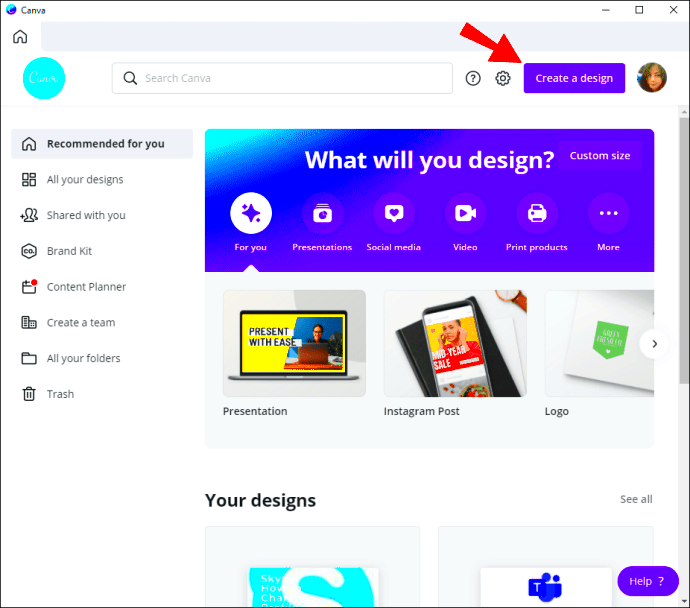
If you’re looking to create beautiful landscape designs, Canva has got you covered. Canva’s landscape templates make it easy for anyone to design stunning visuals, whether you’re a beginner or an experienced designer. These templates come with pre-designed elements that save you time and spark your creativity. With just a few clicks, you can customize templates to fit your style and needs, making the design process enjoyable and efficient.
Benefits of Using Canva for Landscape Designs
Using Canva for your landscape designs comes with many advantages. Here are some key benefits:
- User-Friendly Interface: Canva’s intuitive platform makes it simple to navigate and create designs.
- Variety of Templates: There are countless landscape templates available for different themes and styles.
- Customization Options: You can easily adjust colors, fonts, and images to make your design unique.
- Collaboration Features: Canva allows you to work with others in real time, perfect for team projects.
- Accessibility: Canva is web-based, so you can access your designs from anywhere with an internet connection.
These features make Canva a great choice for anyone looking to create impressive landscape designs without needing advanced design skills.
How to Access Canva Landscape Templates
Accessing Canva’s landscape templates is straightforward. Follow these steps to get started:
- Create a Canva Account: If you don’t have one, sign up for free at canva.com.
- Log In: Once you have an account, log in to access the design dashboard.
- Search for Landscape Templates: Use the search bar and type “landscape templates” to find a variety of options.
- Select a Template: Browse through the results and choose a template that catches your eye.
- Start Designing: Click on the template to open it in the editor, where you can customize it as you like.
Now you’re ready to create stunning landscape designs with Canva’s user-friendly templates!
Steps to Create Scenic Landscape Designs
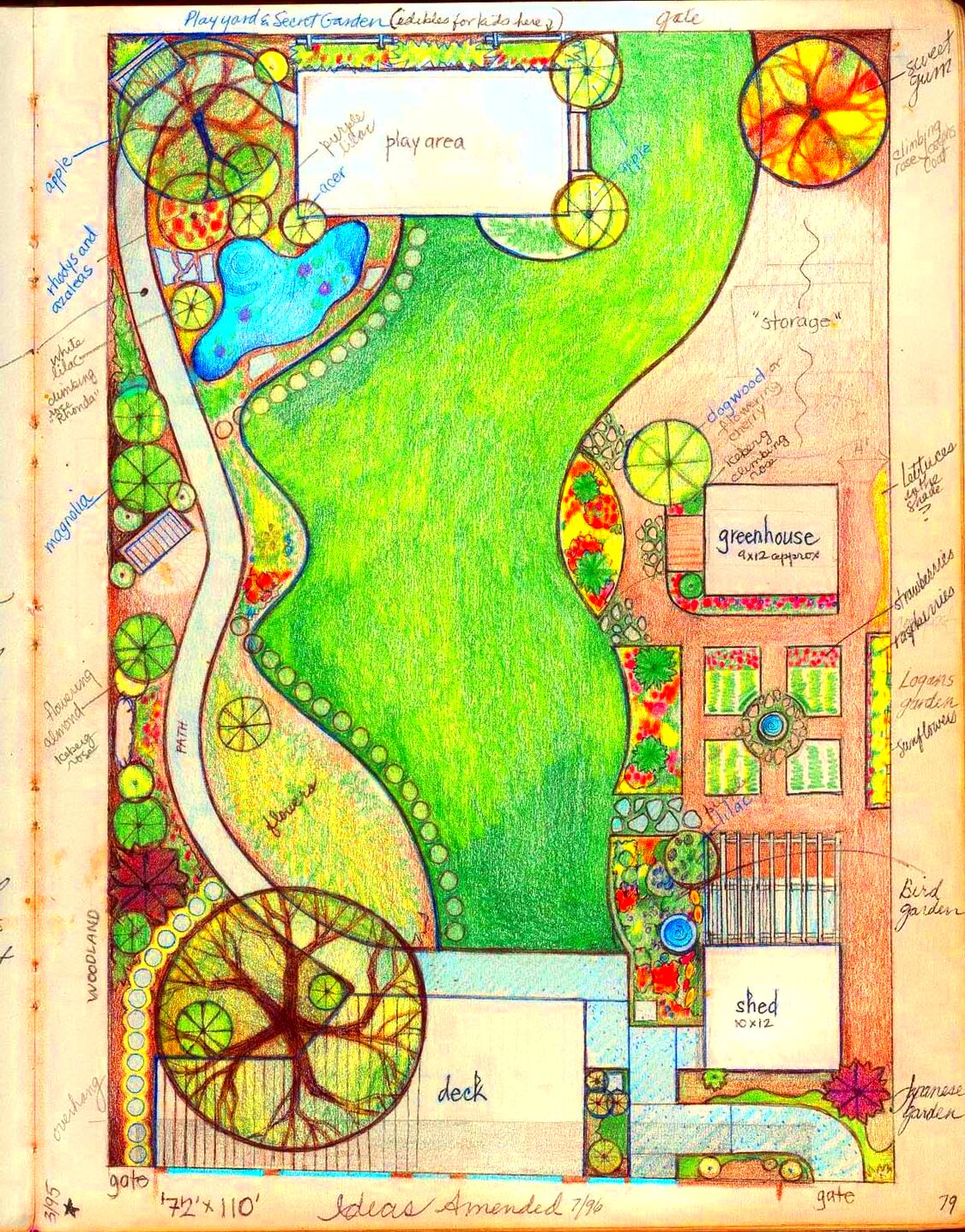
Creating scenic landscape designs with Canva is both fun and straightforward. Whether you’re designing for a project, social media, or personal use, follow these easy steps to get started:
- Select a Template: Choose a landscape template that fits your vision. Canva offers various options tailored for different themes.
- Add Background Elements: Incorporate beautiful backgrounds such as mountains, forests, or beaches to set the scene. You can find these in the “Photos” or “Elements” sections.
- Include Text: Use text boxes to add any necessary information or quotes. Experiment with different fonts and sizes to create contrast.
- Utilize Icons and Graphics: Enhance your design with relevant icons or graphics. These can add a playful touch or emphasize key points.
- Adjust Colors and Filters: Play around with colors to create the mood you want. Canva offers filters to help you quickly change the look of your image.
- Preview Your Design: Before finishing, take a moment to preview your design. This helps you spot any adjustments you might want to make.
Once you’re happy with your creation, save it or share it directly from Canva. Enjoy showcasing your scenic landscape designs!
Customizing Your Landscape Templates
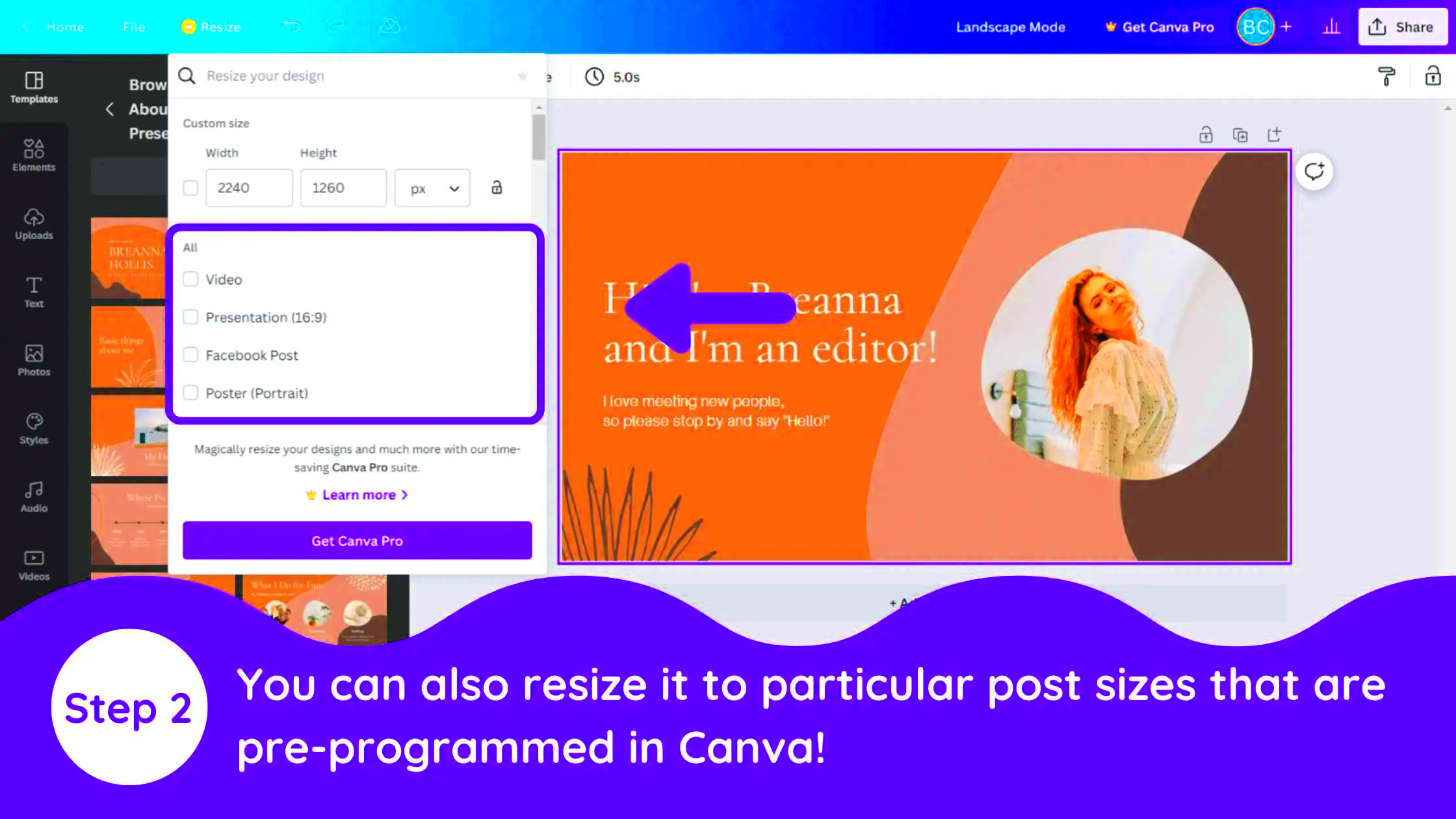
Customizing your landscape templates in Canva allows you to add your personal touch and make your designs truly unique. Here’s how to customize your templates:
- Change Colors: Click on any element in your design to access the color picker. Choose colors that match your theme or brand.
- Edit Text: Double-click on text boxes to edit the content. You can also change the font, size, and style to suit your preferences.
- Swap Images: If you want to change the background or other images, simply drag and drop new images into the template.
- Add Shapes and Lines: Use the “Elements” tab to find shapes and lines that can help organize your design or add flair.
- Group Elements: If you have multiple elements that you want to move together, group them by selecting them and clicking the “Group” option.
Remember, the goal of customization is to make the design reflect your style, so feel free to experiment until it feels right!
Tips for Making Your Designs Stand Out
To make your landscape designs truly stand out, consider these helpful tips:
- Focus on Contrast: Use contrasting colors for text and backgrounds to enhance readability and visual appeal.
- Limit Your Color Palette: Stick to a cohesive color scheme with a few colors to create a clean and professional look.
- Incorporate White Space: Don’t overcrowd your design. Leave enough white space to let your elements breathe.
- Use High-Quality Images: Ensure that the images you use are high resolution. This will make your design look more polished.
- Add Unique Elements: Consider using hand-drawn elements or unique icons that reflect your personal style and vision.
- Seek Feedback: Before finalizing your design, get opinions from others. Fresh eyes can spot things you might have missed.
By applying these tips, you’ll create landscape designs that not only look good but also leave a lasting impression on your audience.
Common Mistakes to Avoid When Designing Landscapes
Designing landscapes can be a fun and creative process, but it’s easy to make some common mistakes along the way. Here are a few pitfalls to watch out for:
- Overcomplicating Your Design: It can be tempting to add lots of elements, but too many can make your design look cluttered. Aim for simplicity and clarity.
- Ignoring Text Readability: If your text blends in with the background, it won’t be effective. Always check that your text stands out and is easy to read.
- Neglecting Balance: Balance is key in design. Ensure that elements are distributed evenly throughout your layout to create a harmonious look.
- Using Low-Quality Images: Blurry or pixelated images can ruin an otherwise great design. Always opt for high-resolution images to maintain professionalism.
- Forgetting About Branding: If you’re creating designs for a brand, ensure that you incorporate consistent colors and fonts that align with brand identity.
- Not Seeking Feedback: Designing in a vacuum can lead to mistakes. Get feedback from friends or colleagues to catch issues you might have missed.
By being mindful of these common mistakes, you can create landscape designs that are not only appealing but also effective in conveying your message.
FAQ About Canva Landscape Templates
Got questions about Canva landscape templates? Here are some frequently asked questions that can help you out:
| Question | Answer |
|---|---|
| Are Canva landscape templates free to use? | Many templates are free, but some premium options require a subscription or a one-time payment. |
| Can I edit the templates? | Absolutely! You can customize colors, text, images, and more to make them your own. |
| Do I need design skills to use Canva? | No, Canva is user-friendly and designed for everyone, regardless of their design background. |
| Can I collaborate with others on my designs? | Yes! Canva allows you to invite others to edit or comment on your designs in real-time. |
| What file formats can I export my designs in? | You can export your designs in various formats, including PNG, JPG, PDF, and more. |
If you have more questions, Canva’s help center is a great resource to explore!
Conclusion on Using Canva for Landscape Design
Canva makes creating beautiful landscape designs accessible to everyone, regardless of skill level. With its user-friendly interface, extensive library of templates, and customization options, you can easily bring your creative visions to life. Remember to avoid common mistakes, customize your templates thoughtfully, and seek feedback to enhance your designs.
Whether you’re designing for personal projects, social media, or professional presentations, Canva’s landscape templates provide the perfect foundation to get started. So dive in, experiment, and enjoy the process of creating stunning landscape designs that truly reflect your style!